

Short answers to the questions players ask most about ArcDPS, with links to the full guides.
What is ArcDPS?
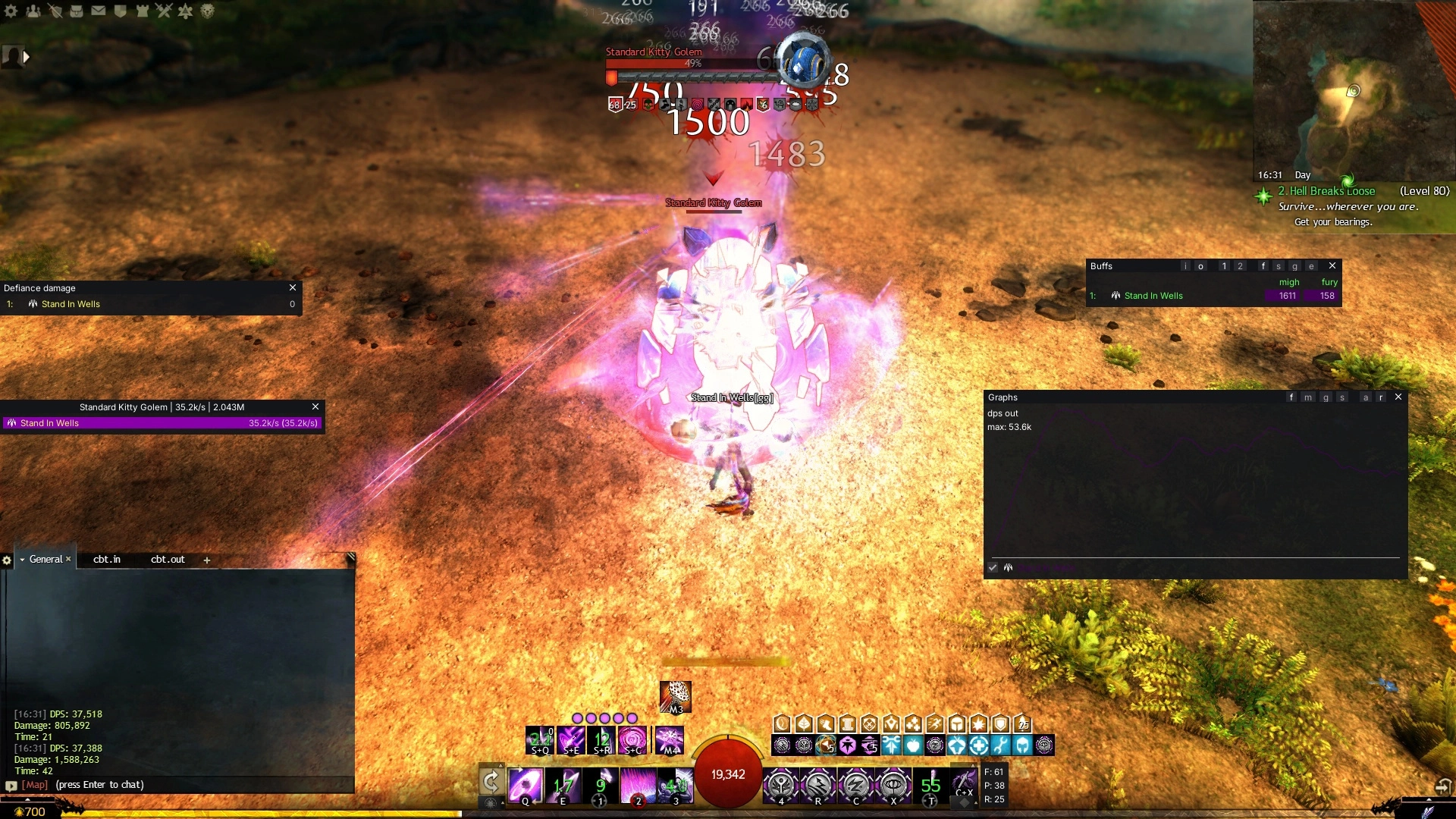
ArcDPS is a free combat metrics tool for Guild Wars 2, made by deltaconnected. It shows damage, boons, healing (with an extension) and many other stats for you and your group, and records encounters to log files. It is the most widely used addon in the game, and many PvE groups expect players to run it.
Is ArcDPS allowed?
ArcDPS is a third-party program and is not made or supported by ArenaNet. ArenaNet's third-party policy allows programs that do not automate gameplay and do not give an unfair advantage, and asks players not to use DPS meters to harass others. ArcDPS has been used openly by a large part of the community for many years. As with every addon, you use it at your own risk.
Read the current third-party program policy yourself, as only ArenaNet can say what is allowed.
Is it safe to install?
Download ArcDPS only from the official page, or install it from the Nexus Library. Copies shared elsewhere can be modified. ArcDPS verifies its own updates against a published hash. Extensions are made by other developers, so apply the same care to them, see Extensions.
Do I need Nexus to use ArcDPS?
No. ArcDPS works on its own. Nexus is useful if you want more addons, one-click installs and automatic updates for all of them. See Addon Managers Compared and Installing ArcDPS.
What are the hotkeys?
Alt+Shift+T opens the options, Alt+Shift+H hides everything. See Hotkeys for the rest.
The game was patched and ArcDPS stopped working. What now?
Wait for an ArcDPS update, which usually arrives within hours. ArcDPS disables the affected features in the meantime. With Nexus, restart the game once the update is out. You do not need to delete anything. See Updating.
Can other players see that I use ArcDPS?
No. ArcDPS only reads what your own client receives and sends nothing to other players. Extensions that share data, such as live healing stats, only do so if you turn that on.
Does ArcDPS work in PvP?
Yes, since October 2026. Windows are hidden during a match by default, and stats, buffs and graphs are available afterwards. See ArcDPS in PvP.
Does ArcDPS work in WvW?
Yes, with its own visibility, exclude and logging settings. See ArcDPS for WvW.
Why are other players' numbers different from their logs?
The server does not send every detail about other players. ArcDPS simulates their condition damage, and percent-based damage, siphons and healing are missing. Your own numbers and log reports are more accurate. See Reading the numbers.
Where are my logs?
In Documents\Guild Wars 2\addons\arcdps\arcdps.cbtlogs by default. Upload them to dps.report or open them with Elite Insights. See Combat Logs.
How do I reset my settings or windows?
Close the game and rename addons\arcdps in your game folder, or only arcdps_imgui.ini to reset window positions. See Resetting the configuration.
Can I hide names when streaming?
Yes, turn on anonymous mode in the options. It hides player names and colours. See Anonymous mode.
Is ArcDPS available in other languages?
Community translations exist, for example French and Chinese. Place the translation file as addons\arcdps\arcdps_lang.ini. ArcDPS can check for translation updates in its options.
Does ArcDPS work on Linux or Steam Deck?
ArcDPS detects Wine and runs under it, so it generally works on Linux and Steam Deck through Proton. Place it in the game folder as usual, and tell Wine to prefer it over its own DirectX file, for example with the Steam launch option WINEDLLOVERRIDES="d3d11=n,b" %command%. Use dxgi instead of d3d11 if you renamed the file. Support is best-effort. See Addons on Linux, Steam Deck and Mac.
Where can I get help?
Start with Troubleshooting ArcDPS. The official page links to the community Discord for bug reports and known issues.