

Besides the live meter, ArcDPS records encounters to log files. A log contains everything that happened in a fight and can be turned into a detailed report with mechanics, rotations and boon uptimes for every player. This guide covers when ArcDPS records, where logs go and how to analyse and share them.
What a log is
A log is a compressed .zevtc file (older logs may be uncompressed .evtc files) that contains every combat event ArcDPS saw during a fight. You cannot read it directly. Tools such as Elite Insights turn it into a report, and sites such as dps.report host those reports so you can share a link.
When ArcDPS records
ArcDPS has three kinds of logs, each with its own section in the Logging tab of the options.
| Kind | Starts | Stops | Enable with |
|---|---|---|---|
| Boss logs (PvE) | When a player in your squad deals damage to a boss on the boss list | When all players leave combat | save boss logs (on by default) |
| WvW logs | When your squad enters combat | When all players leave combat, or after the inactivity time | save wvw logs |
| Map logs | When you enter an instance on your map list, or a PvP match | When all squad members leave the map | save instanced map logs, save pvp map logs |
The default boss list covers raids (normal and challenge mode) and fractal challenge modes, and is extended with new encounters in ArcDPS updates. Logging options only apply to fights that start after you change them.
Recommended settings
- ignore logs shorter than: skips accidental pulls and resets. The default of 10 seconds works for most players.
- use trigger name in save path: sorts logs into one folder per boss, which makes them much easier to find later.
- Logging directory: change where logs are stored, for example to a second drive. The default is
Documents\Guild Wars 2\addons\arcdps\arcdps.cbtlogs.
Logging other encounters
To log something that is not on the default list, such as a world boss, add its ID under Additional boss IDs. To find the ID, attack the enemy and open the details window: the species ID is shown in the title, and in the tooltip of the target list.
- A log target starts new logs.
- A secondary target does not start a log, but is counted in target damage. Use this for adds that matter, like the split phases of a boss.
For whole instances, such as a dungeon or a convergence, use Map logging instead and add the map ID. You find it in the tooltip of the metrics window. Map logging must be enabled before you load into the map. blacklist mode turns the list around and logs every instance except the listed ones.
Why a log was not saved
When ArcDPS decides not to save a log, it writes the reason to its log window:
| Message | Meaning |
|---|---|
log not saved due to short duration |
The fight was shorter than ignore logs shorter than |
log not saved due to saving disabled |
Logging is off for this kind of log |
unmet condition (squad minimum), (squad maximum), (squad percent), (enemy minimum) |
A WvW log did not meet your conditions, see ArcDPS for WvW |
log not saved due to no boss interact |
Nobody in your squad damaged the boss |
map log not started due to invalid map type |
Map logging only works in instances |
Logs are written when the fight ends. If you close the game right after a kill, ArcDPS waits for the write to finish first.
Analysing logs with Elite Insights
Elite Insights is the standard tool to turn logs into reports. It is free and open source.
- Download the latest release from GitHub and extract it.
- Run
GuildWars2EliteInsights.exe. - Drag one or more log files into the window and click Parse.
- Open the generated HTML report in your browser.
The report shows damage, boons, mechanics, a rotation timeline and positions for every player. Elite Insights can also upload each report to dps.report automatically.
Sharing logs on dps.report
dps.report parses a log with Elite Insights and gives you a link to share, for example in your group's Discord. Drag a log onto the site, wait for the upload and copy the link. Tick Anonymous Report to hide player names. For large WvW logs, see WvW logs.
dps.report is a fan project, not an ArenaNet service. If uploads fail with an error, the site suggests its alternative upload address, b.dps.report.
Tips
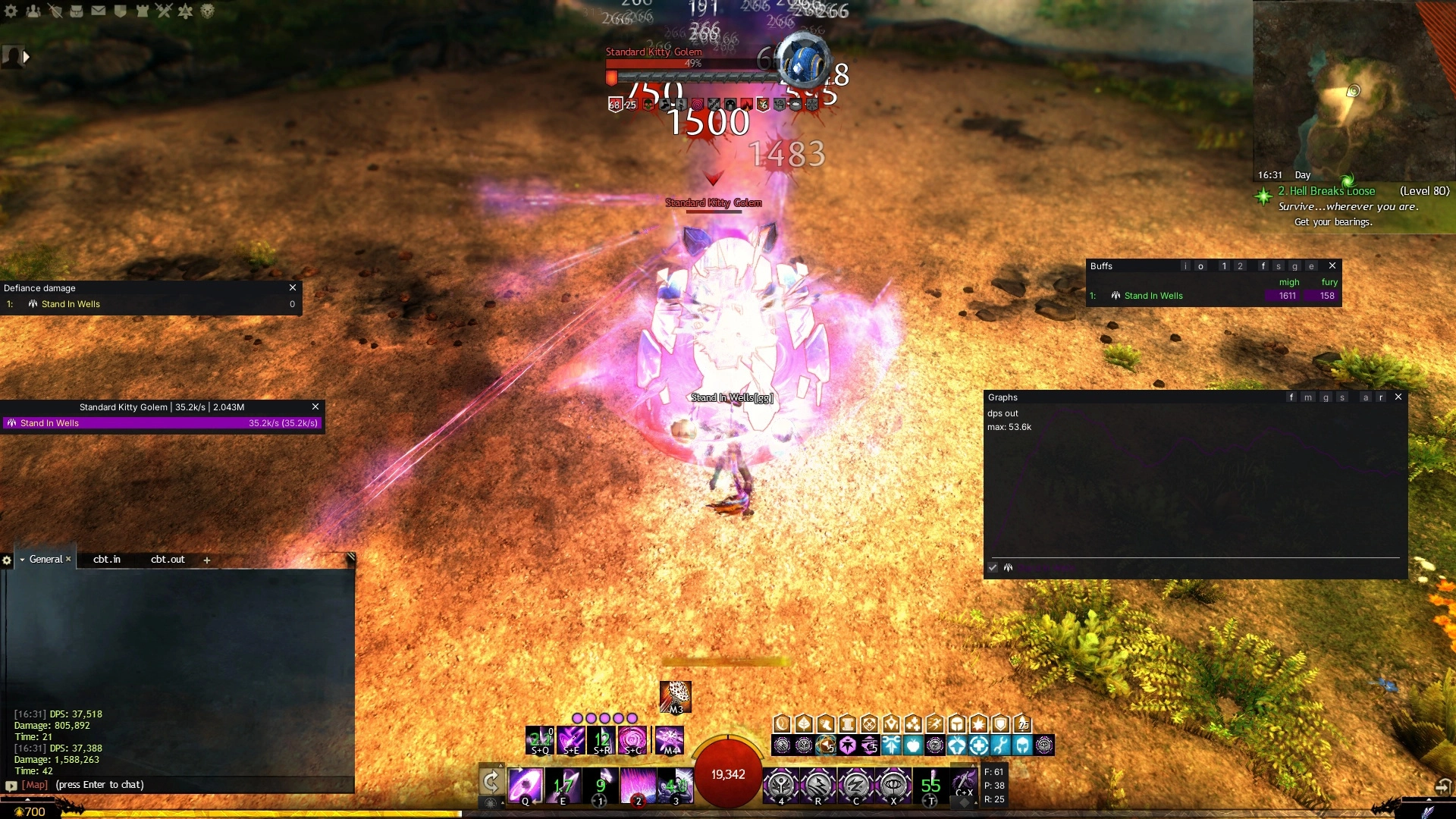
- Upload a log of your own practice on the training golem to check your rotation without other players in the numbers.
- Many raid and strike groups ask for logs of failed attempts, not only kills. Keep them for a few days before you clean up the folder.
- Log folders grow quickly. Archive or delete old logs now and then, they are not needed by ArcDPS.