
Nexus is a community-made fan project and is not affiliated with ArenaNet, Guild Wars 2 or NCSoft.
Nexus for Guild Wars 2
The Addon Manager for Guild Wars 2
Install, update and manage addons directly in-game, with automatic updates, one-click installs and seamless compatibility.
Or download the .DLL directly here.
Powering the modern Guild Wars 2 addon ecosystem.
Modern Addon Platform
The foundation of the modern Guild Wars 2 addon ecosystem.
Built for Players
Simple installation, automatic updates and seamless addon management.
Built for Developers
A modern framework and API powering the next generation of GW2 addons.
Features
Everything You Need to Manage Your Addons
Nexus removes the complexity from addon management.
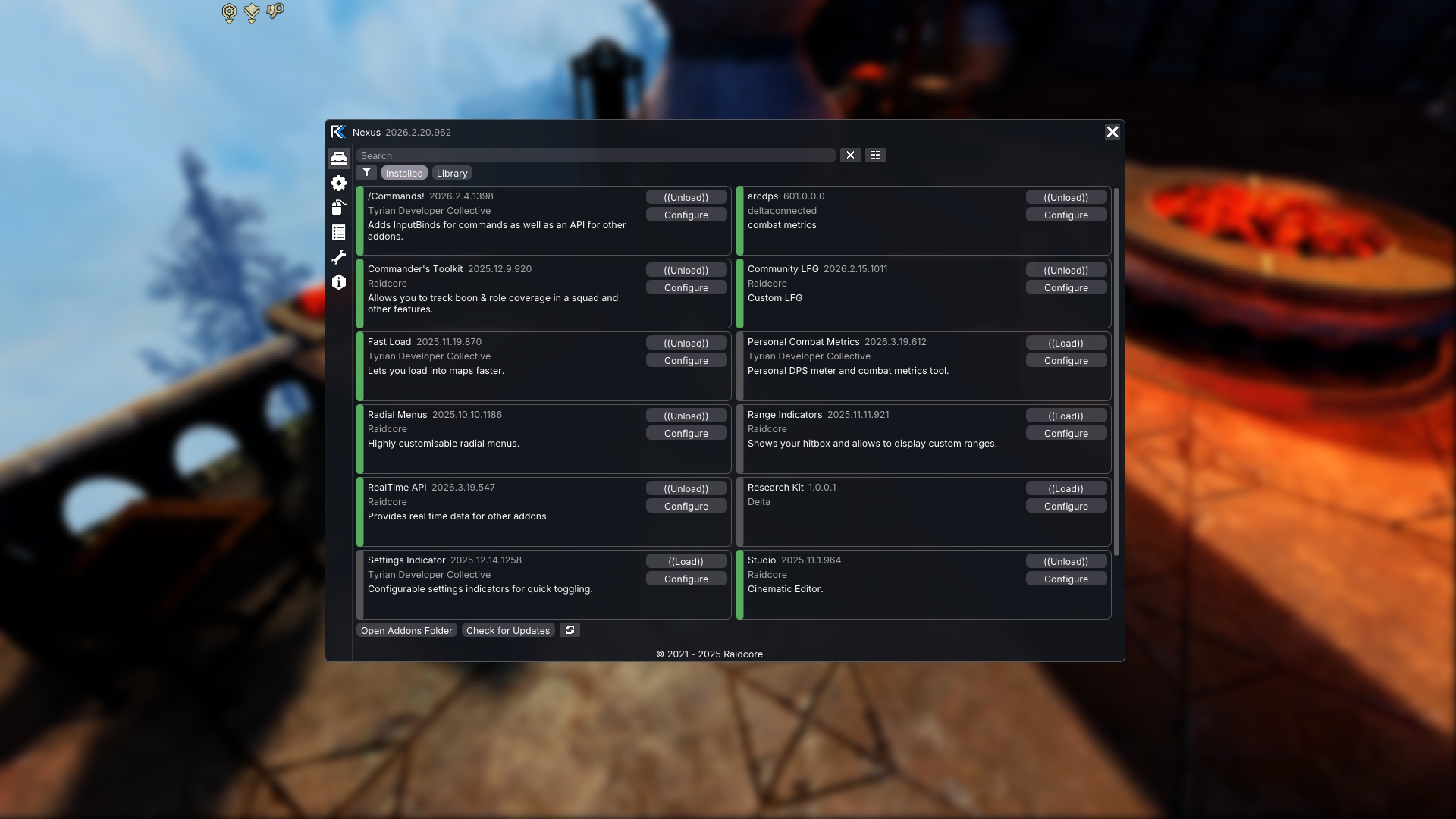
Browse Addons In-Game
Discover, install and configure community addons without leaving Guild Wars 2.
Never Manually Update Again
Nexus automatically keeps your addons updated and compatible.
No Restart Required
Load and unload addons instantly while the game is running.
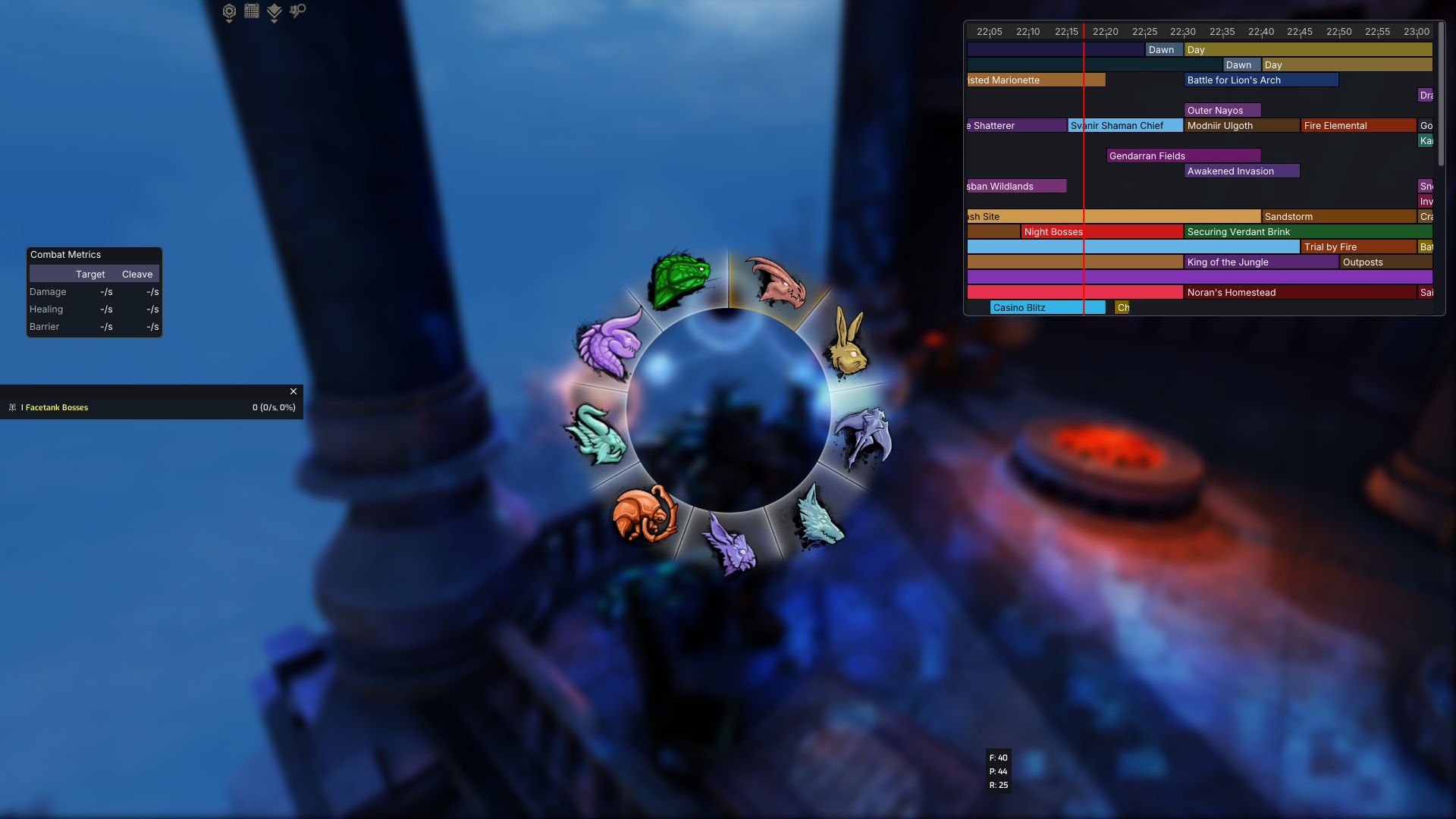
Unified Keybind Management
Consistent keybind handling across addons with fewer conflicts.
Multiboxing Friendly
Designed to work cleanly across multiple Guild Wars 2 clients.
Developer Focused
Modern APIs, rendering helpers and tooling for addon developers.
Why Nexus
Built for the Modern Guild Wars 2 Addon Ecosystem
Nexus modernized Guild Wars 2 addon management by replacing fragmented setups with a unified platform for players and developers.
- Created the modern Guild Wars 2 addon ecosystem
- Actively maintained and continuously updated
- Integrated addon discovery and management
- Automatic compatibility handling
- Built for both players and developers
- Source-available and community driven
Get Started
Install Nexus in Minutes
Download
Download the Nexus installer for automatic setup and configuration.
Launch Guild Wars 2
Nexus automatically initializes when the game launches.
Install Addons
Browse and install addons directly from the in-game library.
Compatibility
Works with Existing Setups
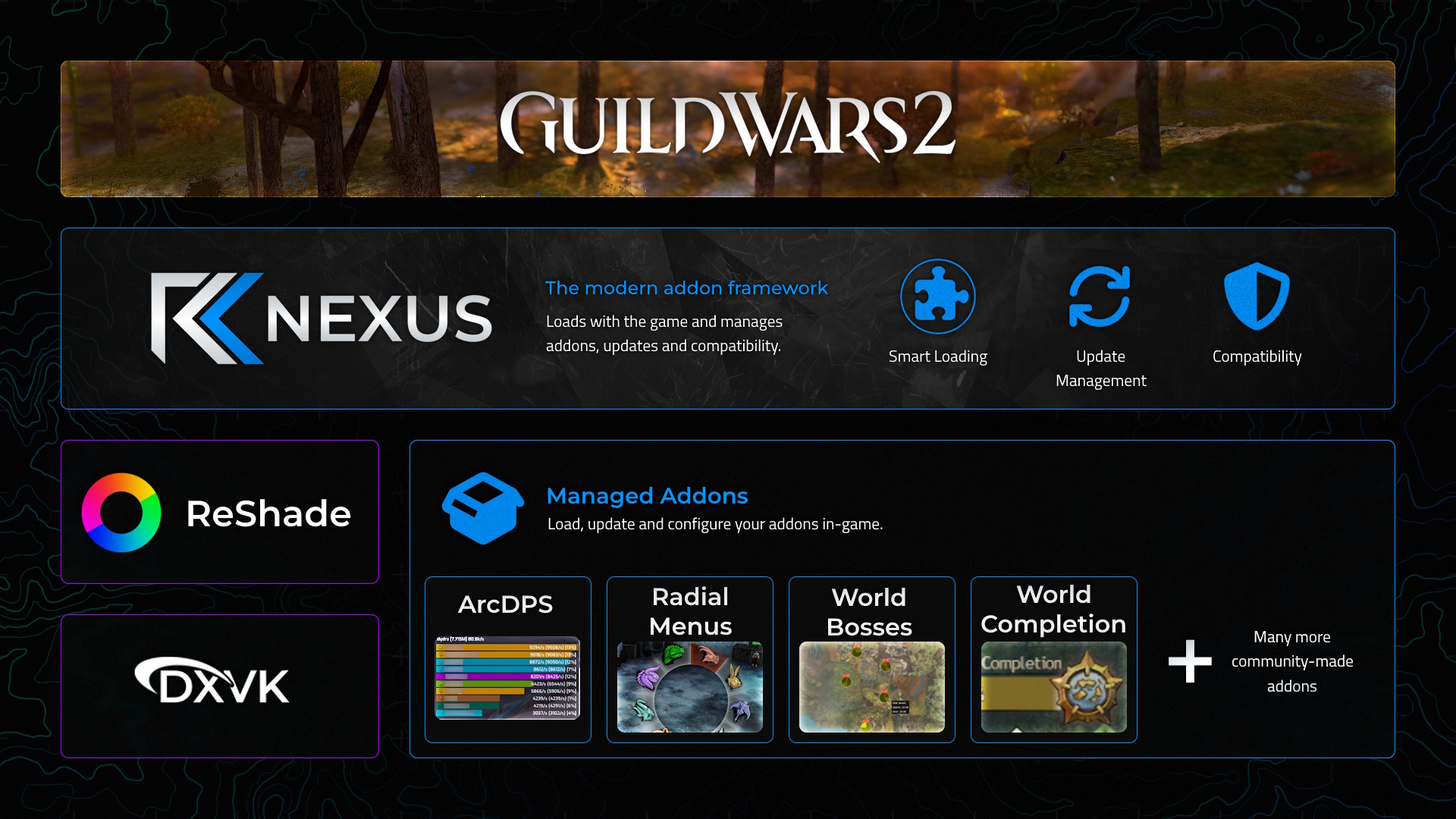
Nexus integrates cleanly with existing Guild Wars 2 addon environments.
ArcDPS Compatible
Install ArcDPS directly through Nexus or migrate your existing setup easily.
Chainloading Support
Nexus loads as a DirectX 11 proxy and supports chainloading for compatibility with other tools.
Easy Removal
Nexus is entirely local to your game installation and easy to uninstall.
Transparent & Community Driven
Nexus is source-available and publicly auditable. The project contains no gameplay automation, botting or unfair gameplay features.
Nexus is designed around ArenaNet's published Third Party Program Policy .
You can also review our Addon Policy .
Source Available
Built in Public
Nexus is developed in-house with strong guidance and feedback from the Guild Wars 2 addon community.
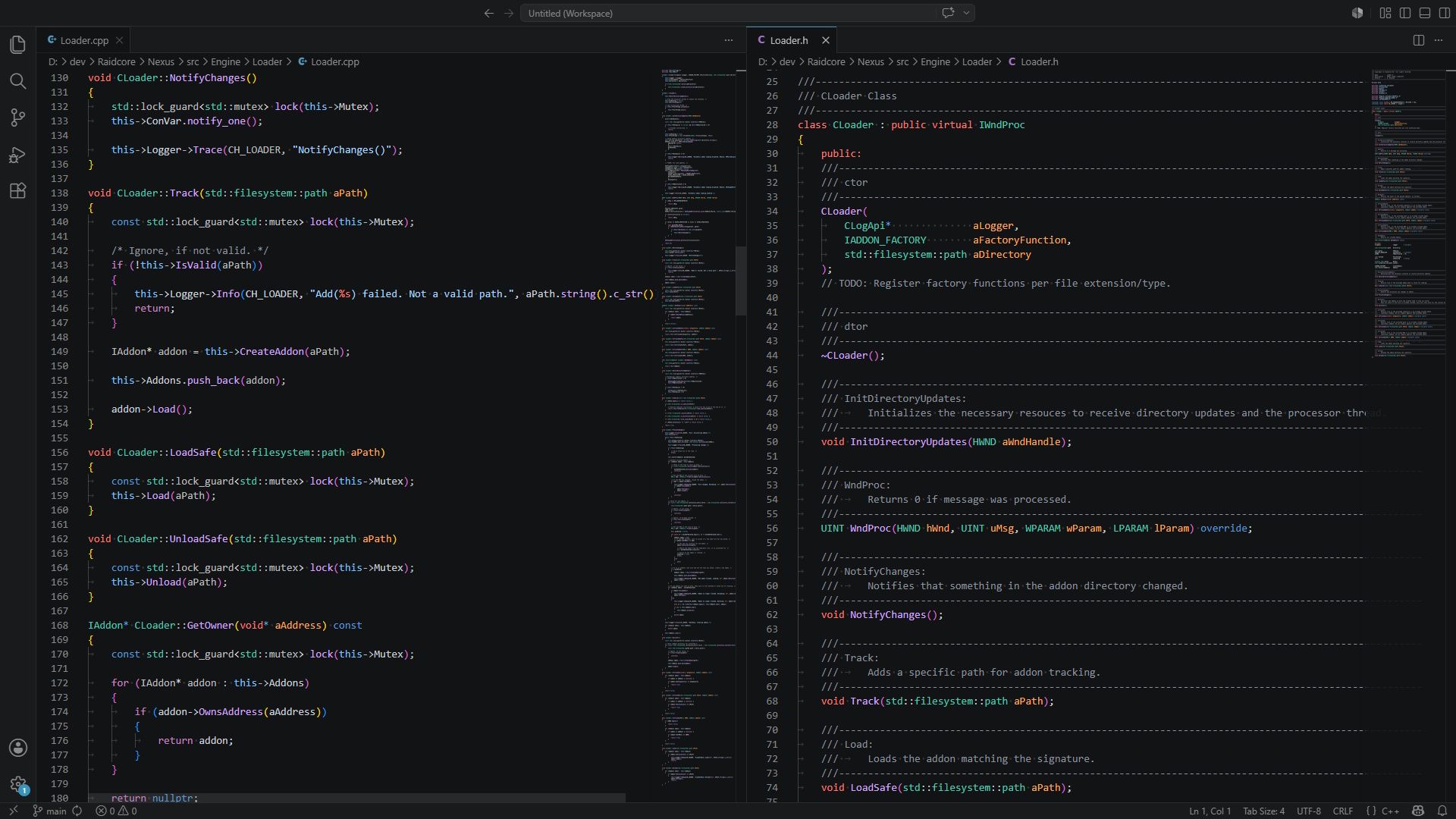
The source code is publicly available for transparency, auditing and issue reporting.
While the source can be viewed, Nexus remains proprietary software with all rights reserved.
FAQ
Frequently Asked Questions
Is Nexus free?
Yes. Nexus and the addon library are free to use.
How does Nexus load addons?
Nexus loads as a DirectX 11 proxy when Guild Wars 2 starts and then loads your installed addons. Addons can be loaded and unloaded while the game is running.
Does Nexus add an in-game overlay?
Yes. Nexus renders a lightweight in-game overlay for browsing, configuring and managing addons without having to close the game.
Is Nexus safe to use?
Nexus is source-available and designed around ArenaNet's published Third Party Program Policy. It contains no gameplay automation, botting or unfair gameplay features.
Does Nexus work with ArcDPS?
Yes. You can install ArcDPS directly through Nexus, or keep an existing ArcDPS setup thanks to DirectX 11 chainloading support.
How do I uninstall Nexus?
Nexus is entirely local to your Guild Wars 2 installation, so removing the Nexus files from your game folder fully uninstalls it.
Get Started with Nexus
Join the modern Guild Wars 2 addon ecosystem with seamless installation, automatic updates and integrated addon management.