

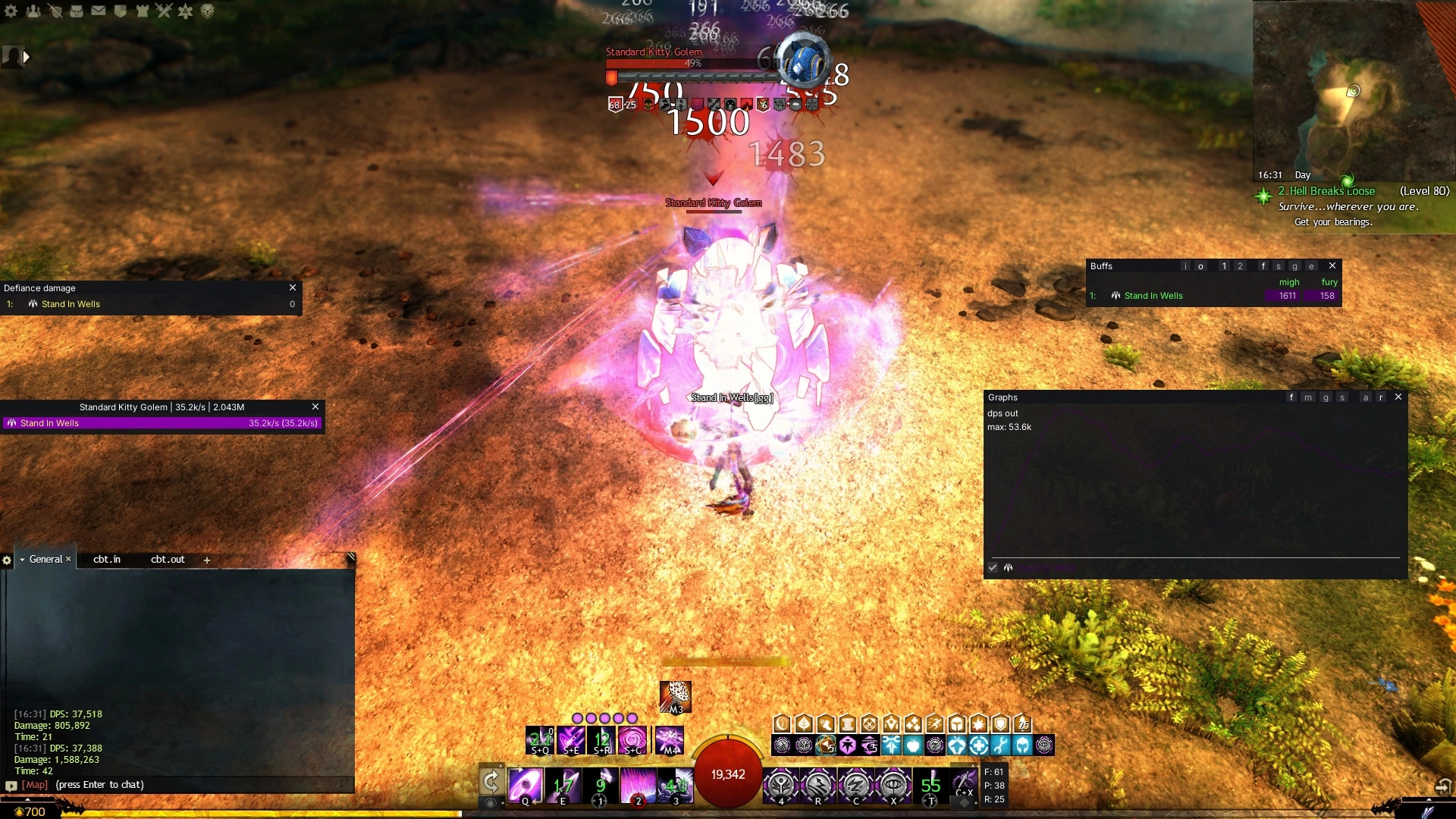
ArcDPS can load extensions: separate files, written by community developers, that add windows or features on top of ArcDPS's combat data. This guide explains how to install and manage them, which ones are popular, and what to watch out for.
How extensions work
An extension is a .dll file, often named arcdps_something.dll. ArcDPS loads it on start and passes it combat events and a place to draw windows and options. Extensions are not made or checked by the ArcDPS author. Each one is maintained by its own developer.
Installing extensions
With Nexus
Many ArcDPS extensions are listed in the Nexus Library. Install them there, and Nexus places them in the addons folder and keeps them updated. See Nexus Compatibility and Integrations.
Standalone
- Close the game.
- Download the extension from its official release page, usually on GitHub.
- Place the
.dllnext to ArcDPS in the game folder (or inbin64). - Start the game. Loaded extensions are listed in the Extensions tab of the ArcDPS options.
Extensions that support it can update themselves when check for extension updates is on. Updating can fail when ArcDPS is loaded by another loader, so with Nexus, let Nexus handle updates.
Popular extensions
| Extension | What it adds |
|---|---|
| Healing Stats | Your outgoing healing per target and skill, optional live sharing with your squad, and healing data in your logs so Elite Insights can show it |
| Boon Table | An alternative boon table with more layout options. It takes over the Alt+Shift+B hotkey from the built-in buffs window |
| Unofficial Extras | Gives other extensions extra data, such as squad roles and chat. Few features on its own; install it when another extension requires it |
There are many more, from mechanics trackers to squad readiness checks. Check that an extension was updated recently before you install it. Extensions that are not maintained stop working after game or ArcDPS updates.
Managing extensions
- The Extensions tab lists every loaded extension with its version, and lets you unload them.
- Extensions draw their own settings into the ArcDPS options, usually as an extra tab.
- Extension windows can be toggled from the Extension Windows section.
- Start ArcDPS in safemode to load it without any extensions, which is the fastest way to rule them out when something breaks.
Extensions in PvP
ArcDPS does not pass combat events to extensions during PvP. Extensions that depend on them show nothing in PvP matches. This is intended, see ArcDPS in PvP.
Staying safe
- An extension runs with the same rights as the game. Only install extensions from their official source, and be careful with files shared in chats or forums.
- Some extensions read more of the game than ArcDPS does. Read their description, and decide for yourself whether that fits ArenaNet's third-party policy.
- After a game patch, an outdated extension is the most common cause of crashes. Remove it until it is updated.
For developers
The ArcDPS extension API is documented in the API readme on the official page. If you want to build an addon that works with or without ArcDPS, Nexus can forward ArcDPS combat events to Nexus addons, see Event Handling.