
Compatibility and Integrations
Updated 21 October, 2026
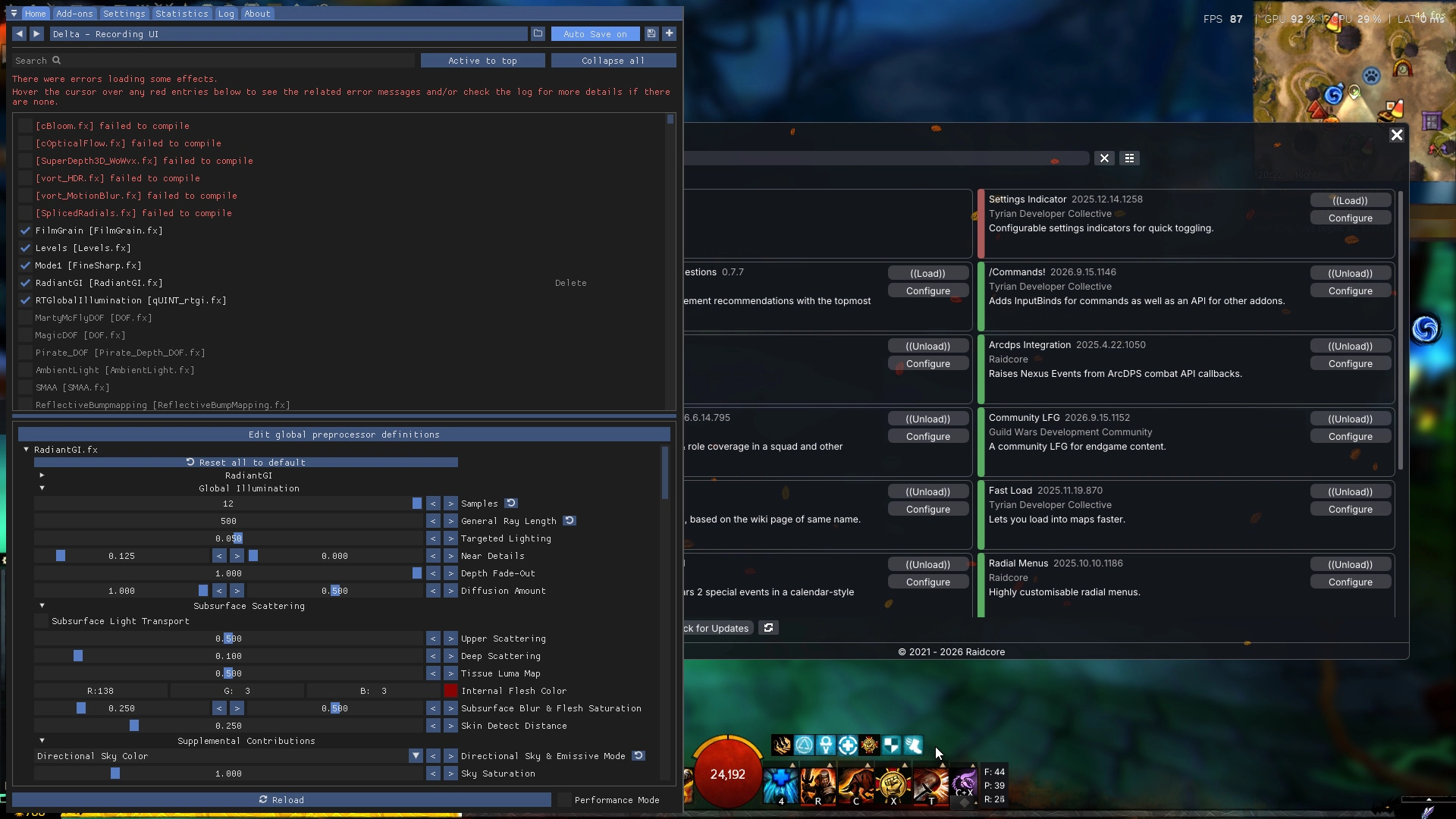
Nexus is built to fit into existing setups. It loads ArcDPS and its extensions, works next to ReShade, Blish HUD and other overlays, supports multiboxing and runs on Linux. This guide explains how Nexus is loaded, how other tools fit around it, and which launch options change its behavior.
How Nexus is loaded
Guild Wars 2 has no official addon interface. Like most in-game addons, Nexus therefore uses a proxy DLL: the game loads d3d11.dll to talk to DirectX 11, and Windows prefers a file with that name in the game folder over the one in the system folder. Nexus is that file. It starts up, forwards every DirectX call to the real system DLL and then loads your addons.
Only one file can be called d3d11.dll. That is the root of most compatibility questions, and the reason Nexus supports chainloading.
Chainloading other DLLs
If you have another tool that needs to be loaded as d3d11.dll, rename it to d3d11_chainload.dll and keep it in the game folder. Nexus then loads it in place of the system DirectX DLL, so both run. The Nexus Installer does this automatically for unknown tools.
- Only one DLL can be chainloaded this way. If you need several, prefer loading tools as Nexus addons where possible.
- If
d3d11_chainload.dllturns out to be an identical copy of Nexus, Nexus deletes it. - If the chainloaded DLL fails to load, Nexus falls back to the system DLL, so the game still starts. The log shows a warning in that case.
ArcDPS and its extensions
Installing ArcDPS through Nexus
The recommended way to run ArcDPS with Nexus is to install it from the Nexus library, on the Addons page. Nexus then keeps it up to date like any other addon. ArcDPS has to be present when the game starts, so after installing or updating it, Nexus asks you to restart the game. ArcDPS also cannot be unloaded while the game is running. Disabling or uninstalling it takes effect on the next start.
Keeping an existing ArcDPS installation
If you already use ArcDPS, Nexus detects it in any of these places:
addons\arcdps.dll, or any other file in theaddonsfolder (loaded and updated by Nexus).d3d11_chainload.dllin the game folder (chainloaded, updated by ArcDPS itself).addons\arcdps\gw2addon_arcdps.dll, the layout used by the GW2 Addon Loader.
Make sure only one copy of ArcDPS is installed. Two copies conflict with each other and can crash the game.
ArcDPS extensions
The library also lists commonly used ArcDPS extensions, such as Boon Table, Healing Stats or Killproof.me. Enable Show Downloadable (ArcDPS) in the library filter to see them. These are extensions made for ArcDPS, not Nexus addons. Nexus installs them into the addons folder and hands them to ArcDPS, but ArcDPS runs them. Nexus features such as hot-loading, automatic updates and Nexus keybinds do not apply to them, so keep them up to date with their own update mechanism, if they have one.
ArcDPS data in Nexus addons
Nexus ships with a small built-in bridge, the ArcDPS Integration (addons\Nexus\arcdps_integration64.dll). When ArcDPS is loaded, it forwards ArcDPS combat data to Nexus addons, so they can build on it without being ArcDPS extensions themselves. Nexus manages this bridge automatically, and you do not need to do anything. Some Nexus addons only work with ArcDPS installed, which their description mentions. If you also use Unofficial Extras, its events are forwarded the same way.
ReShade
ReShade works alongside Nexus when it is installed as dxgi.dll, which is what ReShade's own installer does when you select DirectX 10/11/12. If you previously installed ReShade as d3d11.dll, rename it to dxgi.dll. The Nexus Installer does that for you.
Because ReShade applies its effects to the finished frame, it can also affect the Nexus and addon interface depending on the effect. If that is a problem, check ReShade's settings for applying effects before the interface is drawn.
Blish HUD, TacO and other overlays
- Blish HUD and TacO run as separate programs with their own overlay window. They do not conflict with Nexus. See GW2 Addon Managers Compared for how they differ.
- Discord, Steam and GPU vendor overlays as well as monitoring tools such as RivaTuner usually work. If you see crashes or a black screen at startup, temporarily disable these overlays to find out whether one of them is involved.
- External addon managers such as SAM or UOAOM can install files that Nexus also manages. Use one tool per addon to avoid duplicates. See the comparison guide for details.
Multiboxing
Nexus works with several game clients at once. If you start each client with its own -mumble name, as most multiboxing setups do, Nexus writes a separate log for each client (Nexus_.log) and keeps the MumbleLink data of each client apart.
All clients started from the same game folder share one Nexus configuration. To load a different set of addons per client, use the -ggaddons launch option described below.
Launch options
Nexus reads these options from the game's command line. Add them to your launcher's launch arguments, or to the target of a desktop shortcut after the closing quotation mark.
| Option | Effect |
|---|---|
-ggvanilla |
Starts the game without Nexus and without any addons. Nexus only passes DirectX calls through. Useful to rule Nexus out when troubleshooting. |
-ggaddons 123,456 |
Loads only the addons with the listed signatures, separated by commas, instead of the addons that were enabled last time. Changes you make to which addons are enabled are not saved in this mode. The log lists each addon's signature when it is loaded. |
-ggaddons "C:\path\config.json" |
Uses a different addon configuration file, for example one per multibox client. It is created on first use. |
-ggconsole |
Opens a console window that shows the Nexus log live. |
-mumble name |
A game option that Nexus respects: it reads MumbleLink from name and writes its log to Nexus_name.log. |
Linux and Steam Deck
Nexus and its addons run inside the game, so they work under Wine and Proton like on Windows. You need a DLL override, see Installing, Updating, Repairing and Uninstalling. Tools with a separate overlay window, such as Blish HUD, are a different story and need their own workarounds.