
Working with Textures in Nexus
Updated 21 October, 2026
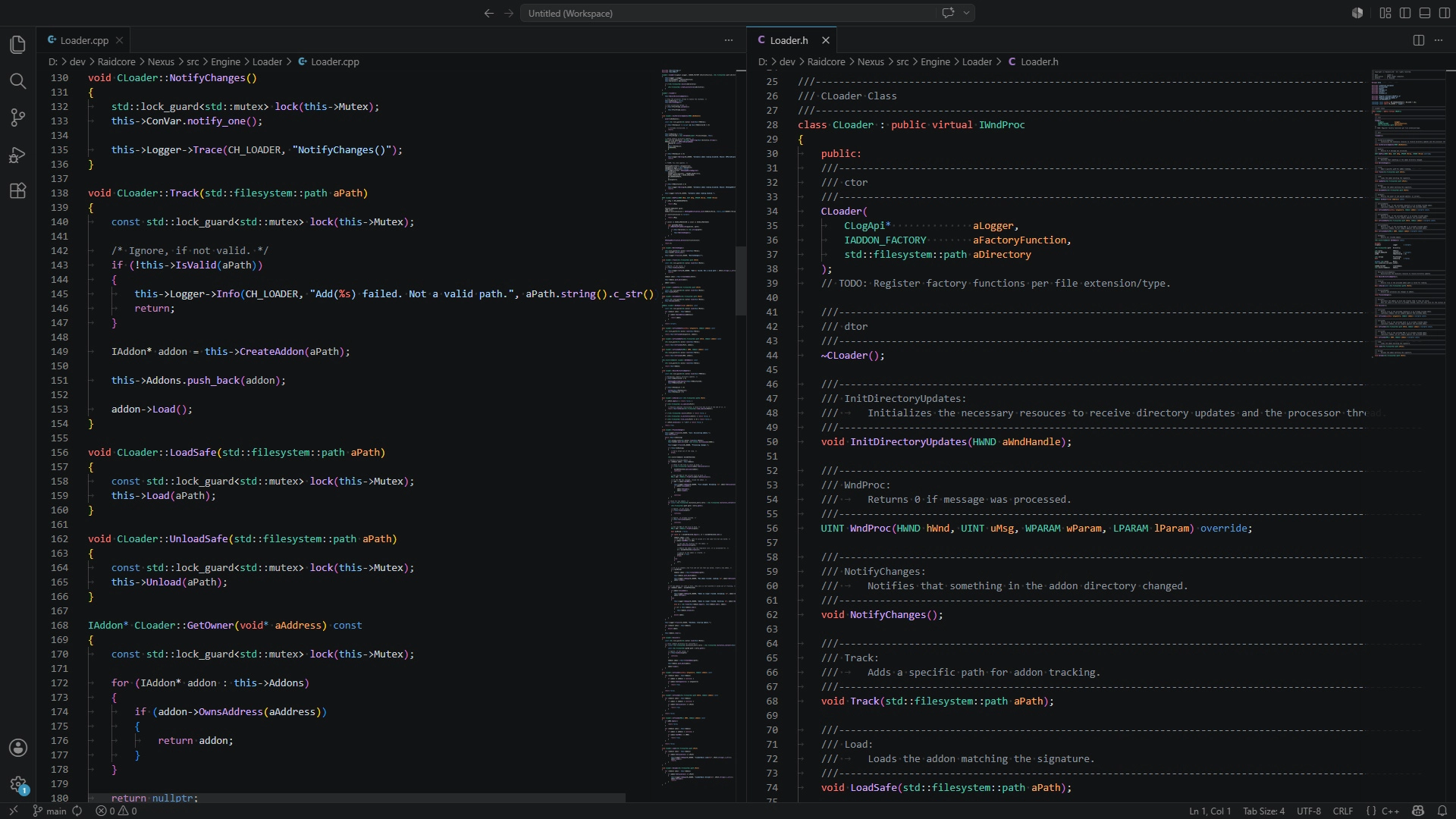
Nexus can load images for you and turn them into DirectX 11 textures that you can draw with ImGui. It loads from files, from resources embedded in your DLL, from memory or from the web, handles the GPU upload on the render thread and shares textures between addons by name. This guide covers both ways of loading textures, drawing them, and the rules for identifiers.
What you get
A loaded texture is described by a Texture_t:
typedef struct Texture_t
{
	uint32_t Width;
	uint32_t Height;
	void*    Resource; /* ID3D11ShaderResourceView* */
} Texture_t;
Draw it with ImGui by passing the resource as texture ID:
ImGui::Image(tex->Resource, ImVec2((float)tex->Width, (float)tex->Height));Images are decoded with stb_image, so PNG and JPEG work, along with the other formats stb_image supports. PNG with transparency is the usual choice for icons.
Identifiers
Every texture has a unique identifier. If a texture with the requested identifier already exists, Nexus returns it instead of loading the file again, also across addons. Prefix identifiers with your addon's name, for example ICON_MYADDON or TEX_MYADDON_BACKGROUND, so you never get another addon's image by accident.
Textures stay loaded until the game closes. There is no function to release them, so do not create textures with new identifiers in a loop, for example one per frame or one per downloaded item without limit.
Users can replace any texture by placing a PNG named after its identifier in addons\Nexus\Textures, for example to restyle your Quick Access icon. That is another reason to choose stable, descriptive identifiers.
Loading on demand: GetOrCreate
The Textures_GetOrCreateFrom* functions return the texture if it is ready, and otherwise start loading it and return nullptr. Call them every frame until you get a result. This is the simplest approach for images you only need while drawing:
void AddonRender()
{
	Texture_t* logo = APIDefs->Textures_GetOrCreateFromResource("TEX_MYADDON_LOGO", IDB_LOGO, s_Module);

	if (ImGui::Begin("My Addon"))
	{
		if (logo)
		{
			ImGui::Image(logo->Resource, ImVec2(64.0f, 64.0f));
		}
		ImGui::Text("Hello, Tyria!");
	}
	ImGui::End();
}
Once loaded, the call is a quick lookup. Still, if you draw many textures, cache the pointer once it is not nullptr, since the texture never goes away.
Loading with a callback: Load
The Textures_LoadFrom* functions load a texture and call your receiver when it is ready, or with nullptr if loading failed:
static Texture_t* s_Background = nullptr;

void ReceiveTexture(const char* aIdentifier, Texture_t* aTexture)
{
	if (strcmp(aIdentifier, "TEX_MYADDON_BACKGROUND") == 0)
	{
		s_Background = aTexture;
	}
}

/* In Load: */
std::string path = APIDefs->Paths_GetAddonDirectory("MyAddon/background.png");
APIDefs->Textures_LoadFromFile("TEX_MYADDON_BACKGROUND", path.c_str(), ReceiveTexture);
The receiver usually runs on the render thread, once the texture has been uploaded. Keep it short: store the pointer and return. You may also pass nullptr as receiver if you only want the texture to be ready for later, for example for Quick Access icons.
Unlike GetOrCreate, the Load functions always load the image again, even if the identifier exists. The existing texture is kept under a different name, so pointers others hold stay valid. This lets you refresh an image that changed, but calling Load repeatedly for the same image wastes memory. If you only need the texture once, check with Textures_Get first, or use GetOrCreate.
Sources
| Source | Parameters | Notes |
|---|---|---|
| File | Path | Use an absolute path. Build it from Paths_GetAddonDirectory rather than relying on the working directory. |
| Resource | Resource ID, module handle | The image must be embedded with the resource type PNG. The module handle is your DLL's, which you get in DllMain. Best for icons, since they are always available and load instantly. |
| URL | Remote, endpoint | The address split into server and path, for example "https://render.guildwars2.com" and "/file/ABC123/12345.png". Downloaded in the background. Redirects are followed. |
| Memory | Pointer, size | An encoded image file in memory, for example one you downloaded yourself. Nexus copies the data, so you can free it afterwards. |
Embedding images as resources
In Visual Studio, add a resource file (.rc) to your project and add your image with the custom type PNG:
/* resource.h */
#define IDB_ICON       101
#define IDB_ICON_HOVER 102
/* MyAddon.rc */
#include "resource.h"
IDB_ICON PNG "icons/icon.png"
IDB_ICON_HOVER PNG "icons/icon_hover.png"Then load them with the module handle stored in DllMain:
APIDefs->Textures_LoadFromResource("ICON_MYADDON", IDB_ICON, s_Module, nullptr);Textures from other addons and the game
Since textures are shared by identifier, Textures_Get also returns textures loaded by Nexus and by other addons. The Textures tab of the Nexus Debug window lists every loaded texture with its identifier, which is handy while developing. Do not rely on another addon's textures unless its developer documents them as stable.
For game assets such as item or skill icons, the official API provides render URLs, which you can load with Textures_LoadFromURL. Use the file's signature and ID as part of your identifier, so each icon is only downloaded once per session.