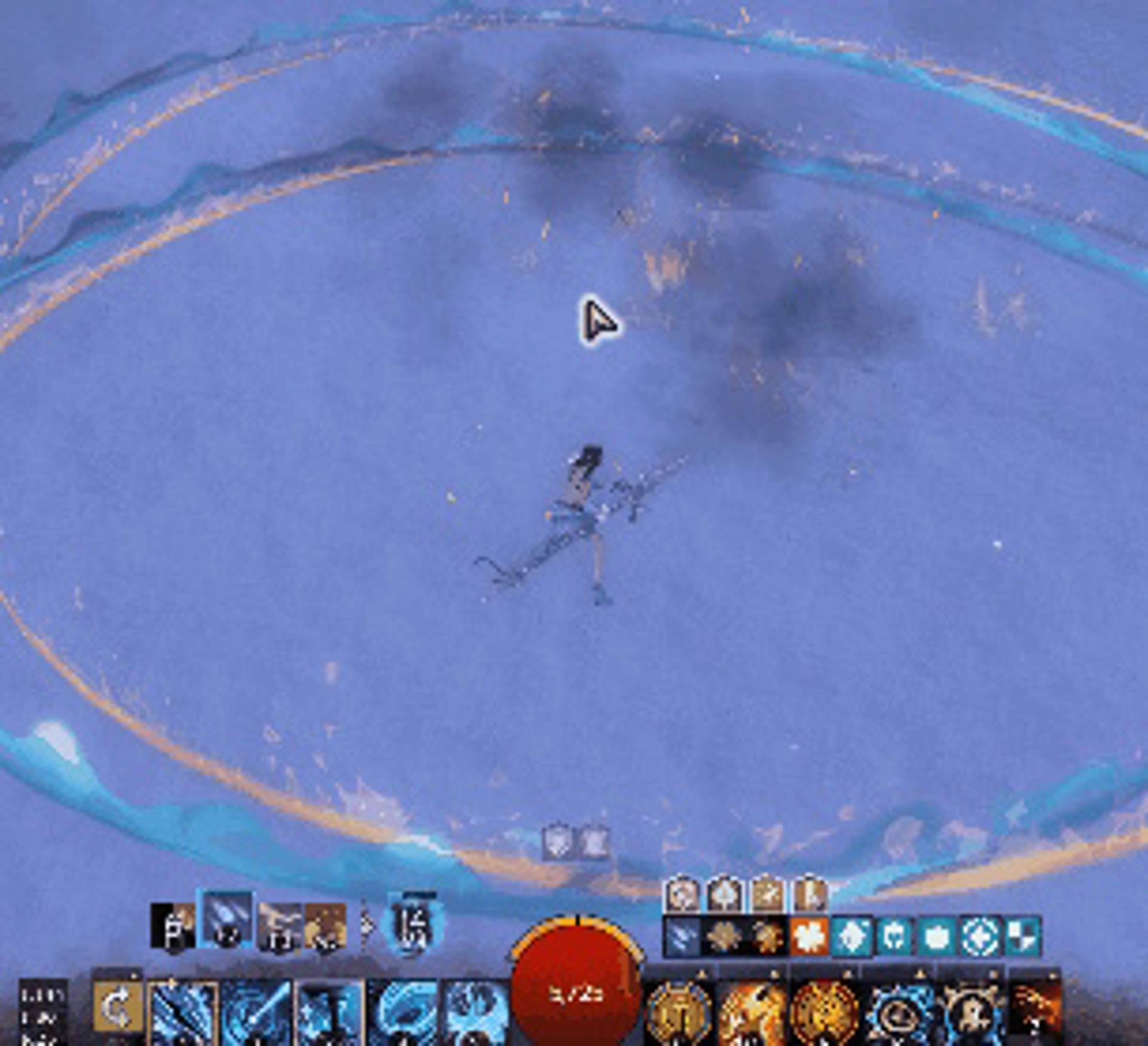
# VfxDenoiserReleases GW2 Nexus plugin to reduce combat vfx. | ![denoiser1](https://github.com/user-attachments/assets/f5c2979c-f52f-4813-9cf9-e0f9e98ca90b) | ![denoiser2](https://github.com/user-attachments/assets/39c69565-50ac-4cc9-85ed-81014ce6417f) | ![denoiser3](https://github.com/user-attachments/assets/b1ba7967-1f67-472b-a9b9-74dc63eff711) | |:--:|:--:|:--:| | Klobjarne - no footfalls or ghostly follower | Scourge Sandstorm Shroud (F5) | Ele Spear etching and Cata spheres | ## Installation - Requires Nexus: https://github.com/RaidcoreGG/Nexus - Download the latest VfxDenoiser.dll from the [release page](https://github.com/HasKha/VfxDenoiserReleases/releases) - Move to your gw installation folder / addons - Load in Nexus ## Features - By default, hides a number of visual effects from yourself and others. All of the changes are only client-side, have no functional changes to skills, and are only active while the mod is active. Please refer to [this document](https://docs.google.com/spreadsheets/d/1nkOTDwzj3sSEjjlcpWW0nndMx7bJvXGiF7I2AOiQyIA/edit?gid=0#gid=0) for a full list of effects that are implemented or planned. - You can customize what to do for each effect. Currently supported is: - Hide: completely removes the effect (or the part of the effect) - Show: show the effect as normal. No change. - Set duration: overwrite the effect duration to a given number (in milliseconds). Only supported on some effects. Can be useful to briefly show an effect, rather than running it for the full duration. - You can customize who is affected by the change. Currently supported is: - All - Self: Effects generated by yourself. - Others: Effects generated by everyone except yourself. - You can also set multiple behaviors on each effect. For example, you can configure some skills to be hidden when others use them, while also setting duration to briefly show when you use them yourself. ## Finding more effect IDs It is possible to find and hide more effects than what are provided by default. Warning: hiding some effects will crash your game. Save often while you work on this to avoid losing progress. It is best to go into an instance without other players or NPCs with effects. The special forces training area works great for this. To get started, expand the "Logging" drop-down and check "Logging active", and see what happens below. You will probably see many rows as you move and do actions. The main challenge is to find exactly the row you are interested in, while filtering out everything else. You have a few tools you can use: - First of all, unequip or transmute any equipment with fancy animations, such as legendary weapons/armor/trinkets. - It can be helpful to do other things first, and hit "whitelist" so they won't appear in the log again. - Once you have a small set of rows, hit "blacklist" on one or more, and see how this changes. - Once you press "whitelist" or "blacklist" on any effect, they will show in the "Effect filters > Custom" section and you can modify them. - Note that some effects may depend on others. So hiding the first one of a chain may hide the ones that follow. To avoid this, you can start blacklisting from the end. Lastly, if you find something that is useful to you, there's a good chance it will be useful to others too. Consider messaging me or opening a PR with the relevant information so it can be added to the next release. ## Effects settings All effects are stored in a json file that is loaded on start and closed on exit. ## Changelog Check the [Release page](https://github.com/HasKha/VfxDenoiserReleases/releases) for the full changelog.