
This addon includes AI-generated content and/or AI-assisted code. Learn More.
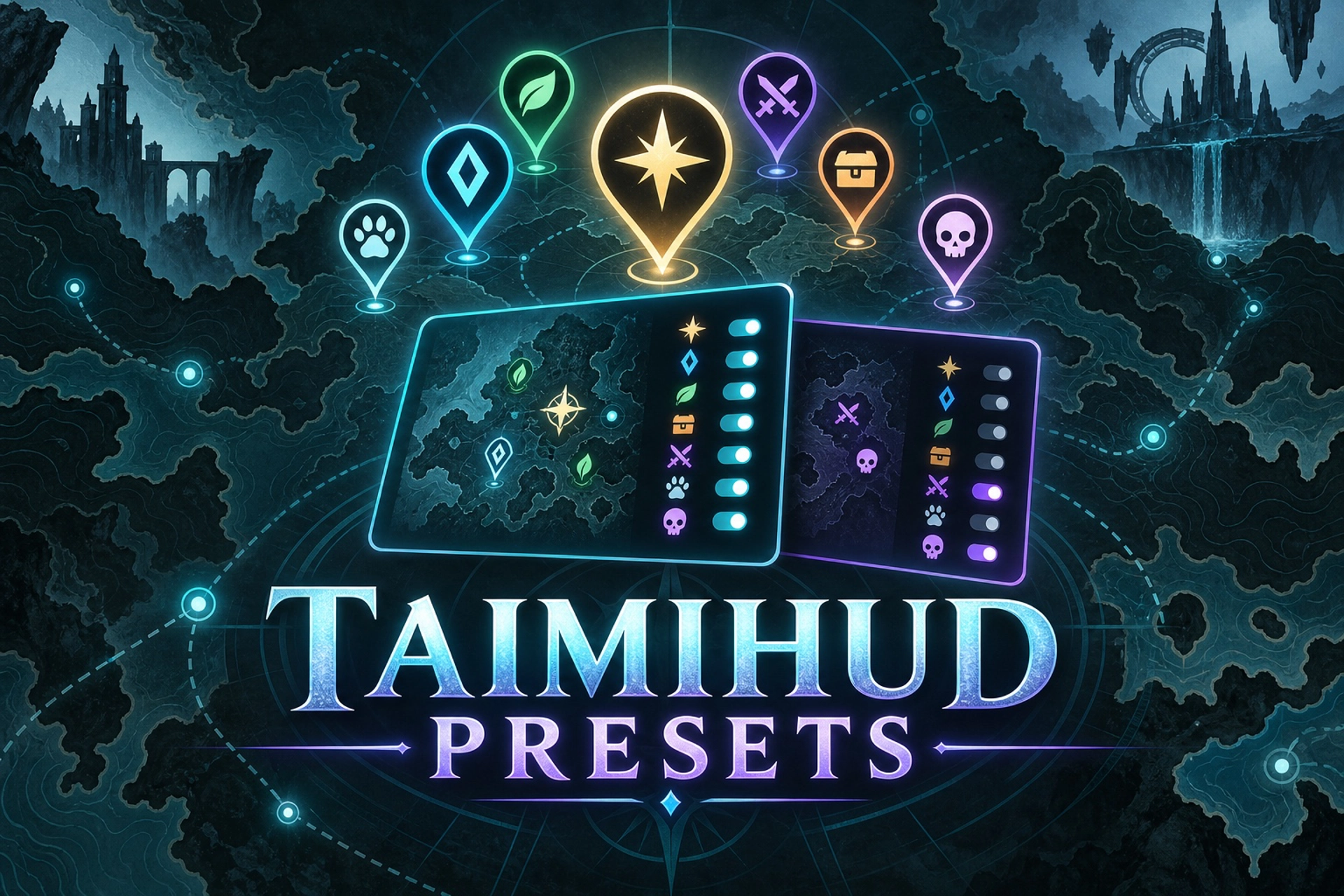
TaimiHUD Presets
Save and switch named TaimiHUD pathing-category presets from the Nexus overlay, with automatic reloads and verified settings backups.
| Downloads | 602 |
| Visibility | Public |
| Updated | one month ago |
| Created | one month ago |
| ID | 140 |
| Signature | 0x54485053 |
Contributors
Save and switch TaimiHUD Pathing category presets
TaimiHUD Presets adds named pathing-category presets to the Raidcore Nexus overlay. Save TaimiHUD’s current category selection, switch to another saved preset, and let the addon reload TaimiHUD automatically.
The addon changes only TaimiHUD’s top-level disabled_paths setting. Every other TaimiHUD setting is preserved.
Features
- Save the current TaimiHUD category selection as a named preset.
- Apply saved presets directly from the Nexus overlay.
- Rename and delete presets without changing TaimiHUD settings.
- Create and verify a complete settings backup before every apply.
- Preserve every setting outside
disabled_paths. - Reload TaimiHUD automatically after saving or applying a preset.
- Protect existing pending TaimiHUD updates from being overwritten.
- Store presets separately from TaimiHUD’s own configuration.
Opening TaimiHUD Presets
You can open the preset window in any of these ways:
- Right-click the TaimiHUD shortcut on the Nexus menu bar and select Presets.
- Right-click the dedicated TaimiHUD Presets shortcut.
- Open it from the addon’s Nexus options page.
- Press Alt+Shift+P.
Using presets
Save a preset
- Choose the categories you want enabled or disabled in TaimiHUD.
- Open TaimiHUD Presets.
- Enter a name for the selection.
- Select Save Current Selection.
Apply a preset
- Open TaimiHUD Presets.
- Select the preset you want to use.
- The addon creates a verified backup and requests a normal Nexus reload of TaimiHUD.
- The preset is applied after TaimiHUD finishes unloading.
- The status message confirms when TaimiHUD has loaded again.
If TaimiHUD already has an update waiting, the addon pauses the preset action and lets Nexus finish that update first.
Settings safety
Applying a preset follows a guarded sequence:
- Read and validate TaimiHUD’s
settings.json. - Create a complete backup and verify that it can be read back.
- Confirm that the original settings file was not changed by another process.
- Atomically replace only the JSON value of
disabled_paths. - Wait for Nexus to confirm that TaimiHUD loaded again.
If validation, backup creation, concurrent-change detection, or reload preparation fails, the settings change is cancelled and an error is shown.
Local files
Presets and backups are kept separately under the addon’s Nexus data directory:
addons/TaimiHUDPresets/presets.json— saved preset names and category selectionsaddons/TaimiHUDPresets/Backups/— uniquely named TaimiHUD settings backups
Deleting or renaming a preset changes only the preset file. It does not modify TaimiHUD’s settings.
Requirements
- Guild Wars 2
- Raidcore Nexus
- TaimiHUD
- Windows or a compatible Wine/CrossOver installation
TaimiHUD must be installed and enabled before a preset can be saved or applied.
Privacy and game interaction
TaimiHUD Presets reads and writes only local TaimiHUD settings and its own preset and backup files.
The addon:
- Does not access Guild Wars 2 account information.
- Does not read Guild Wars 2 game memory.
- Does not send input to the game.
- Does not automate gameplay.
- Does not make its own network requests.
Testing and compatibility
The automated test suite covers settings validation, byte-preserving replacement, verified backups, empty and Unicode category paths, malformed settings, duplicate fields, concurrent edits, preset persistence, rename and delete operations, and backup failures.
The Windows host test loads the real addon DLL against Nexus API v6 and ImGui, renders the interface, verifies the embedded icon and menu registrations, and exercises the automatic unload, apply, and reload sequence. The addon has also been tested under CrossOver. Additional native Windows feedback is welcome.
AI-assisted development notice
This project includes AI-assisted code and documentation. AI was used during development for code generation, suggestions, testing support, and documentation. AI-assisted components may contain errors or inconsistencies and may change as the addon evolves.
The maintainer remains responsible for reviewing releases, testing behavior, addressing reported problems, and ensuring compliance with Guild Wars 2 and Raidcore policies.
Source code and support
The complete source code, release downloads, test suite, license, third-party notices, and current validation notes are available on GitHub:
https://github.com/wonderra/gw2-wonder
Problems and feature requests can be reported through the repository’s issue tracker.
TaimiHUD Presets is an independent community project and is not affiliated with ArenaNet, TaimiHUD, or Raidcore. Guild Wars 2 is a trademark of NCSOFT Corporation.