
This addon includes AI-generated content and/or AI-assisted code. Learn More.
Split Wars 2
A speedrun timer for GW2 with map change, combat and death detection.
| Downloads | 274 |
| Visibility | Public |
| Updated | 3 months ago |
| Created | 4 months ago |
| ID | 98 |
| Signature | 0x53573200 |
Contributors
Requirements & Installation
Requires the Nexus addon loader and Guild Wars 2
Optional: Real Time API for enhanced precision and death detection
Optional: Real Time API for enhanced precision and death detection
Find the addon directly in the Nexus Library or download the latest
.dll and place it in your Nexus addons folder Guild Wars 2/addonsIn Nexus, find Split Wars 2 in the addon list and press Load
What is Split Wars 2?
Split Wars 2 is a speedrun timer that starts, splits, and stops automatically based on your character's position in the game world — no manual input needed mid-run. Place trigger zones in the world, walk through them, and the timer does the rest.
Routes are plain JSON files, easy to share and edit. Run history is saved alongside each route so you always have your personal bests to compare against.
Routes are plain JSON files, easy to share and edit. Run history is saved alongside each route so you always have your personal bests to compare against.
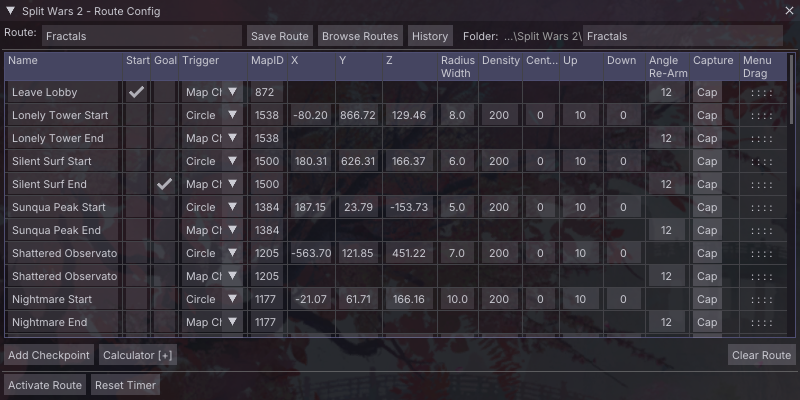
All Features at a Glance
Trigger Types
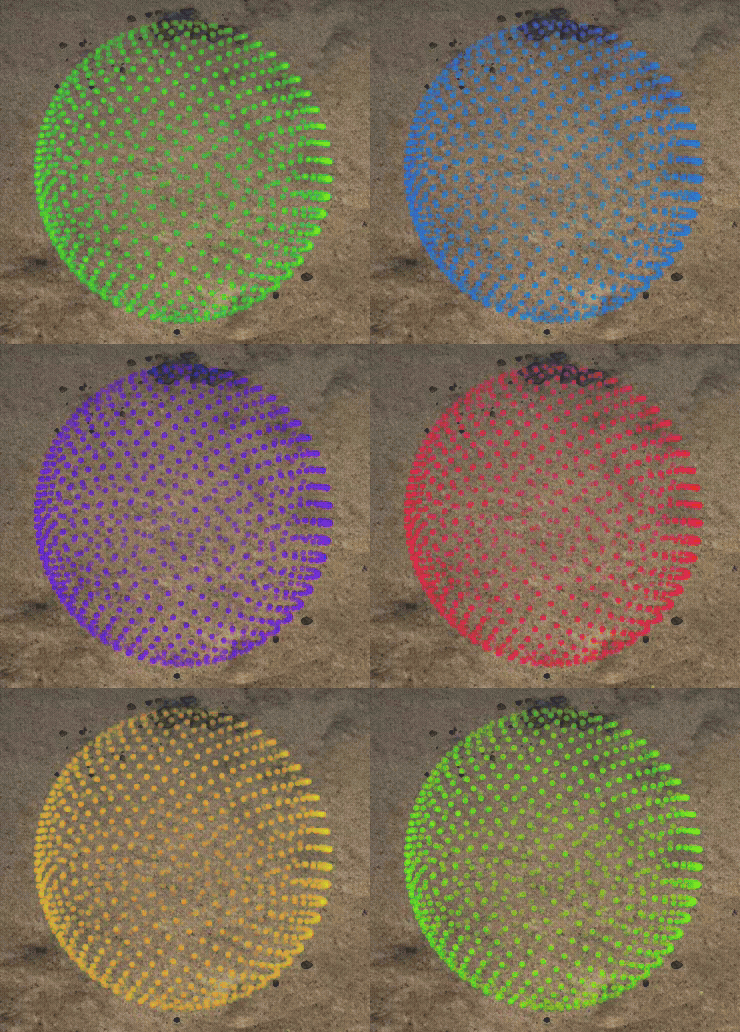
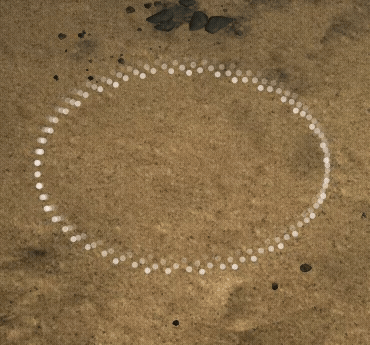
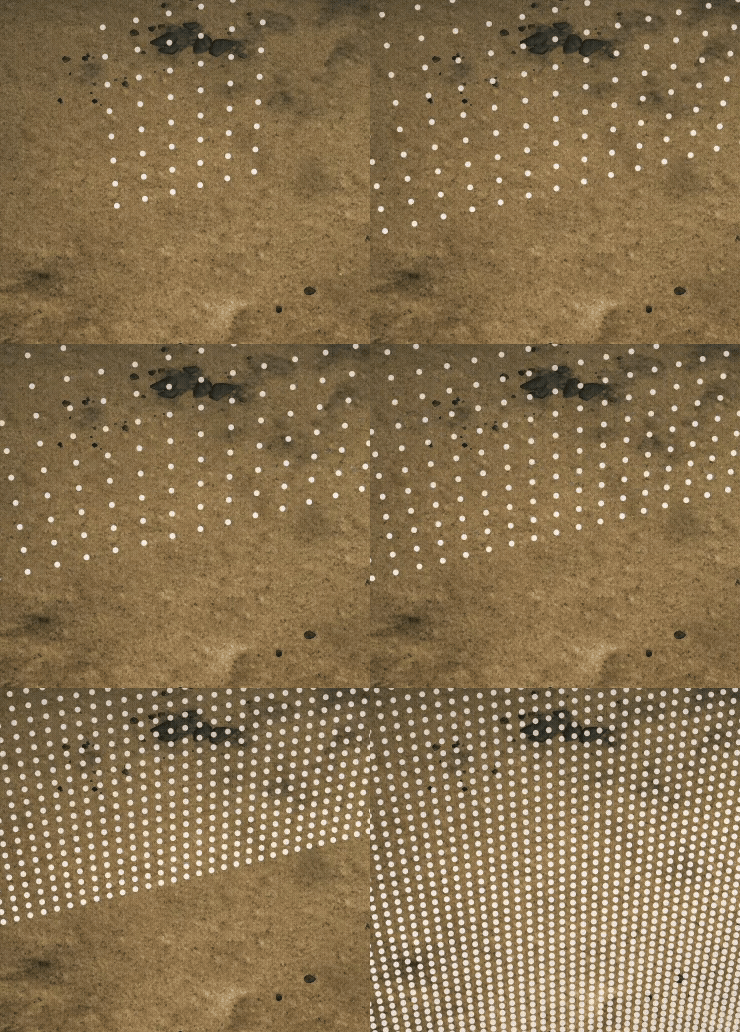
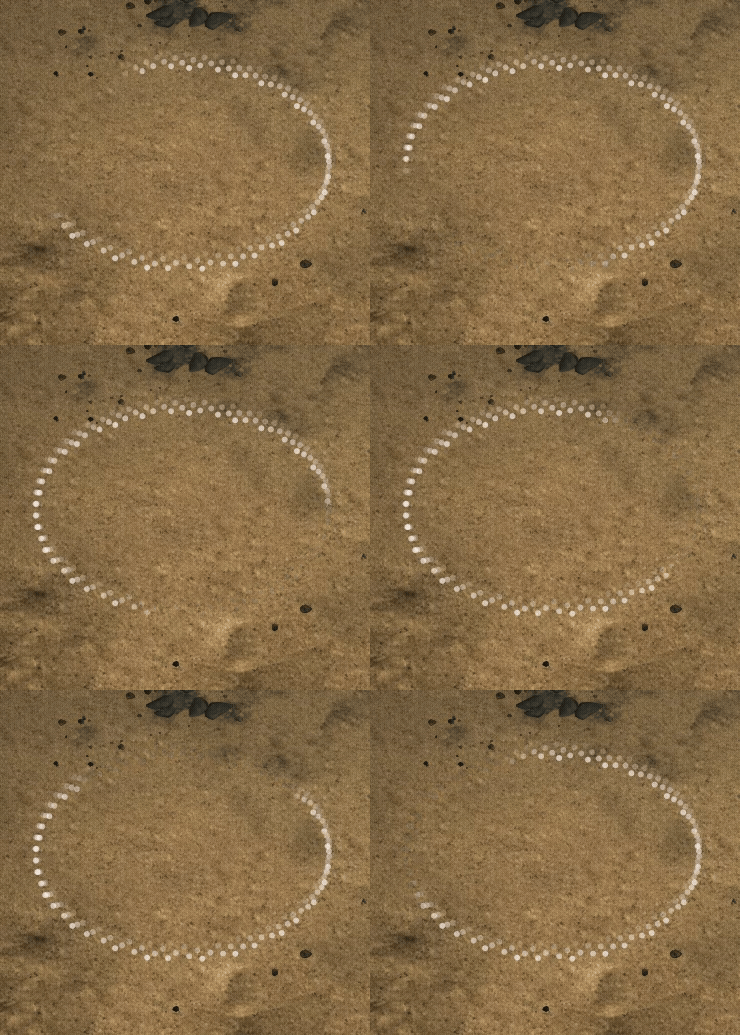
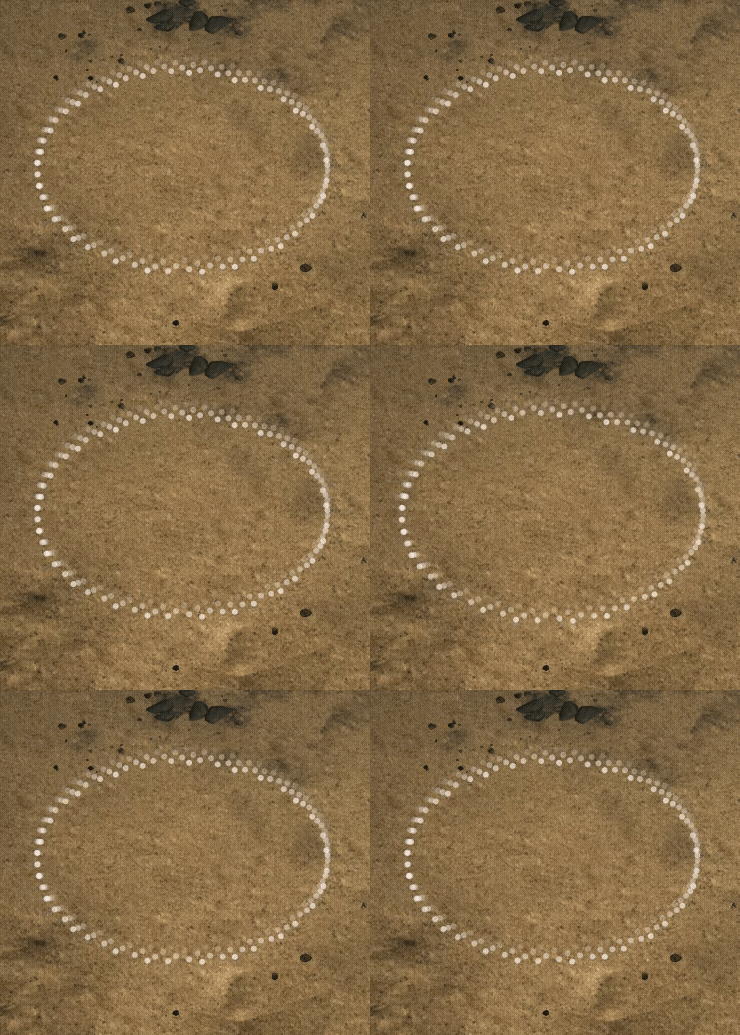
Each checkpoint — including start and goal — can use any of these trigger modes. They render as visible overlays in the game world so you always know where your triggers are.
Visualization
Timer Display Modes
Cycle through display modes with a keybind at any time:
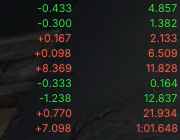
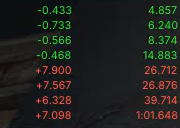
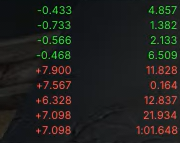
A secondary Grand Total timer runs in parallel and tracks wall-clock time across the full session, including load screens.
Run History & Segment Tracking
Every completed run is saved automatically to a
.history file next to your route. The history window gives you a full breakdown of every run and every split.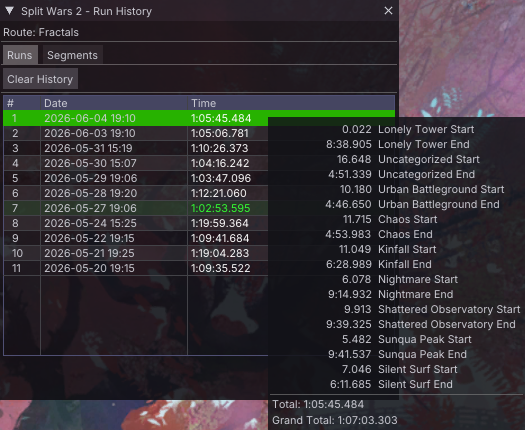
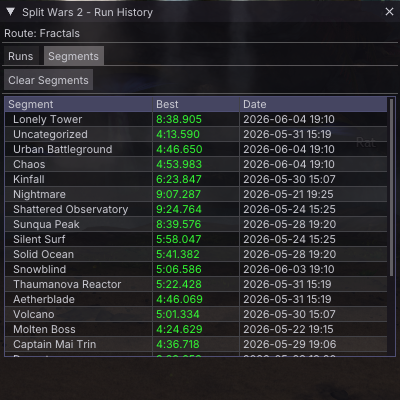
→Hover any run to see its full split breakdown inline
→Switch to the Segments tab for a dedicated best-of view across all your runs
→Promote any historical run to your best run reference for live split comparison
→Configurable history limit (1–100 runs); oldest unprotected runs are trimmed automatically
→Copy single runs to your clipboard and easily drop them into Excel, Google Sheets or LibreOffice Calc
Route Browser & Organisation
Routes are stored as
.json files and organized in folders beneath the Split Wars 2 addon directory. The browser lets you navigate, load, and reorganize them without leaving the game.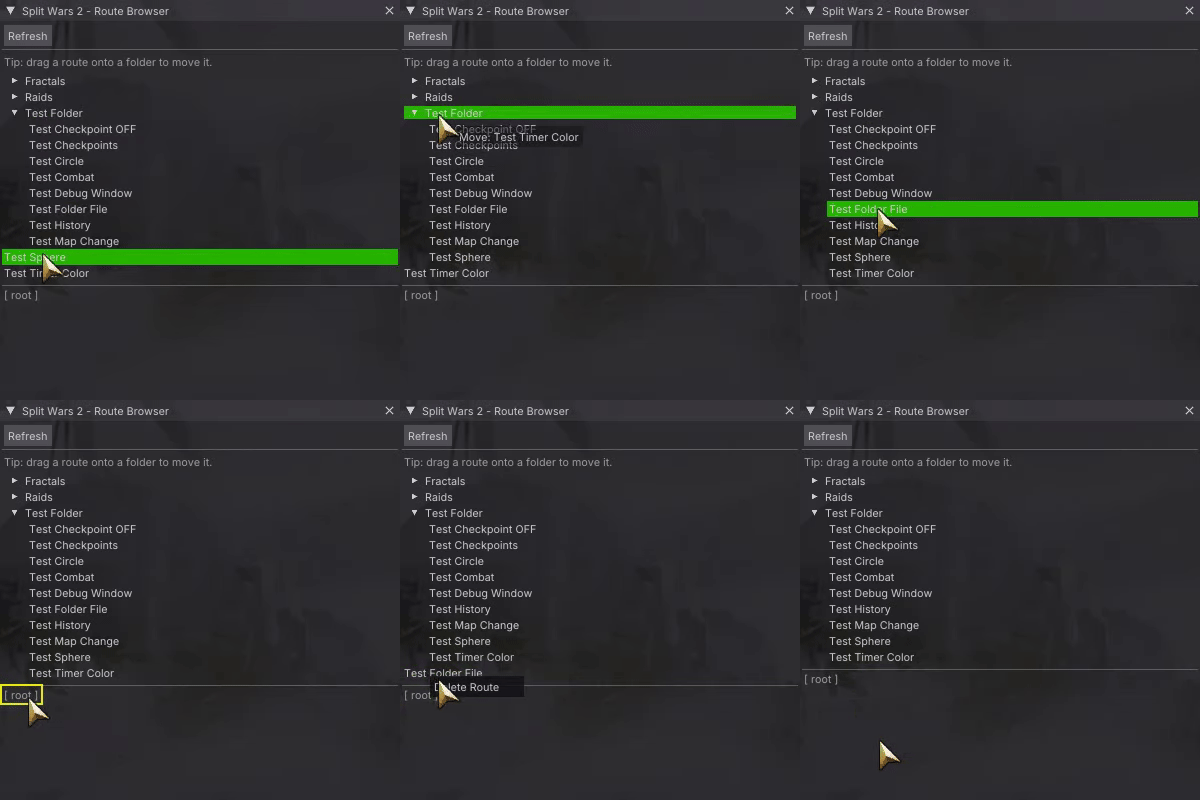
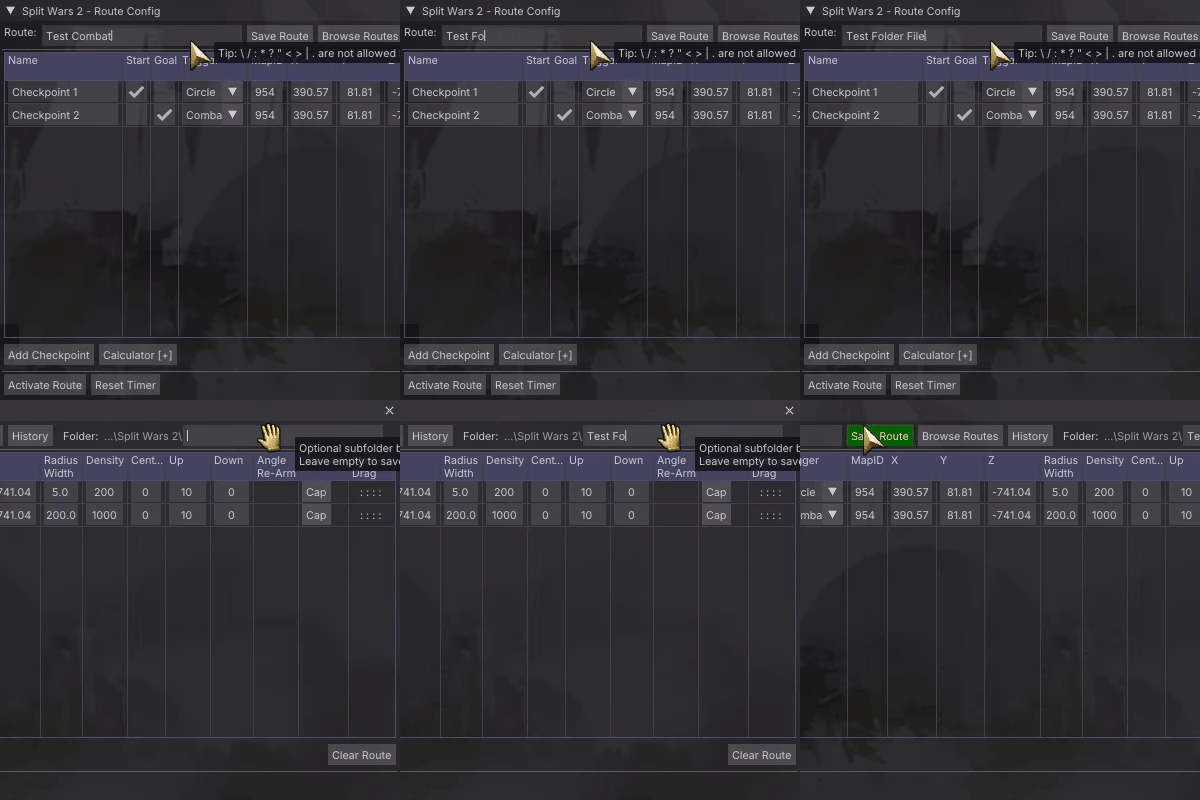
→Drag a route onto a folder to move it
→Routes and their history files always move together
→Save path is locked to the addon directory and subfolders only
World Overlay & Occlusion
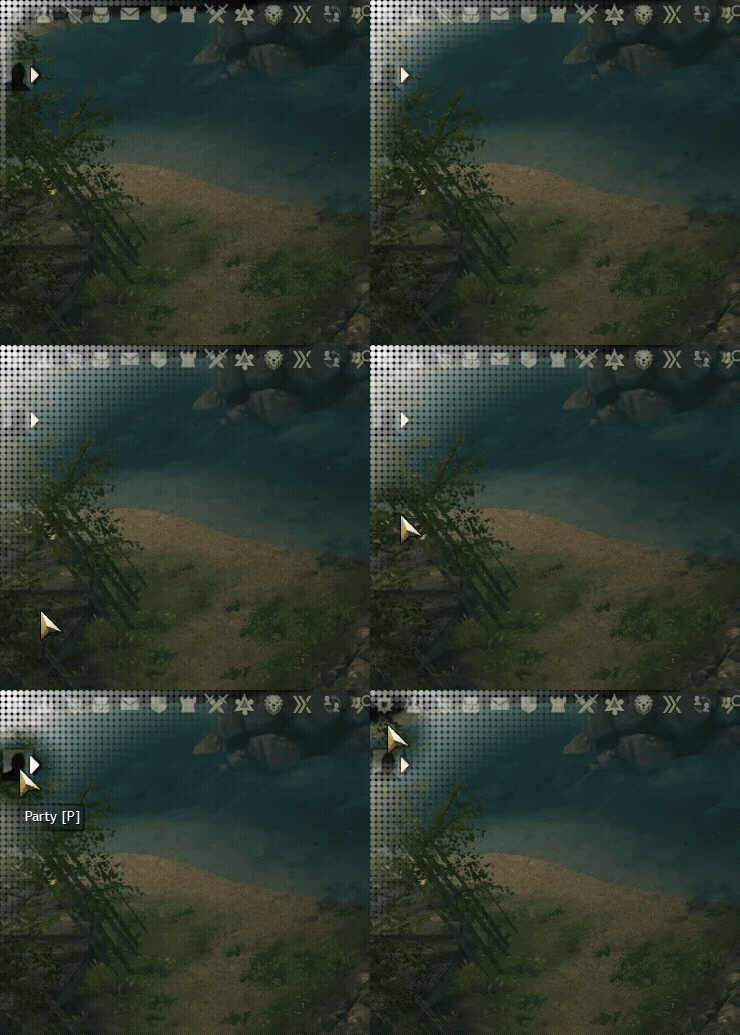
Trigger zones render as dot-based overlays directly in the game world. They respect character and ImGui's UI occlusion so they never clutter your screen when they're behind something.
Zone colors and fade distances are configurable globally in the options panel.
Note: Everything is still rendered on top of GW2's UI.

Data Source
Split Wars 2 reads position data from MumbleLink by default, which is always available in GW2. Installing the optional Real Time API unlocks more precise death detection for Combat triggers — particularly useful on runs where dying mid-arena would ruin your splits.
Active data source options:
→Default — RTAPI if available, Mumble otherwise
→Mumble only
→RTAPI only — also falls back to Mumble if unavailable
Split Wars 2 · Guild Wars 2 Speedrun Addon · Nexus Framework