
This addon accesses game memory. Learn More.
This addon includes AI-generated content and/or AI-assisted code. Learn More.
Scruffy FontKit
Keeps text sharp with DPI Scaling on, or swaps the game font for one you like.
| Downloads | 73 |
| Visibility | Public |
| Updated | 2 days ago |
| Created | 4 days ago |
| ID | 153 |
| Signature | 0xC6A61809 |
Contributors
Keeps text sharp with DPI Scaling on, or swaps the game font for one you like.
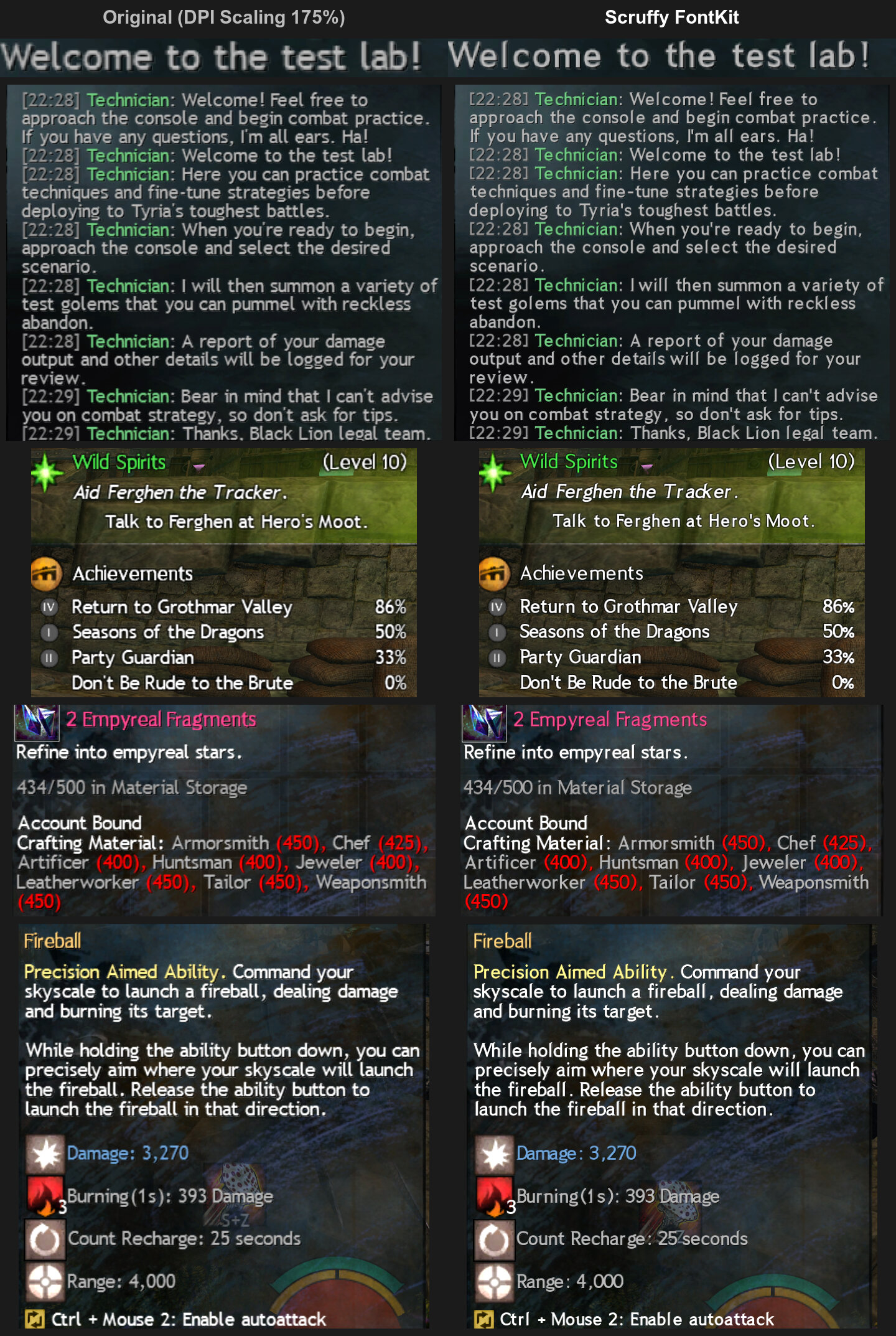
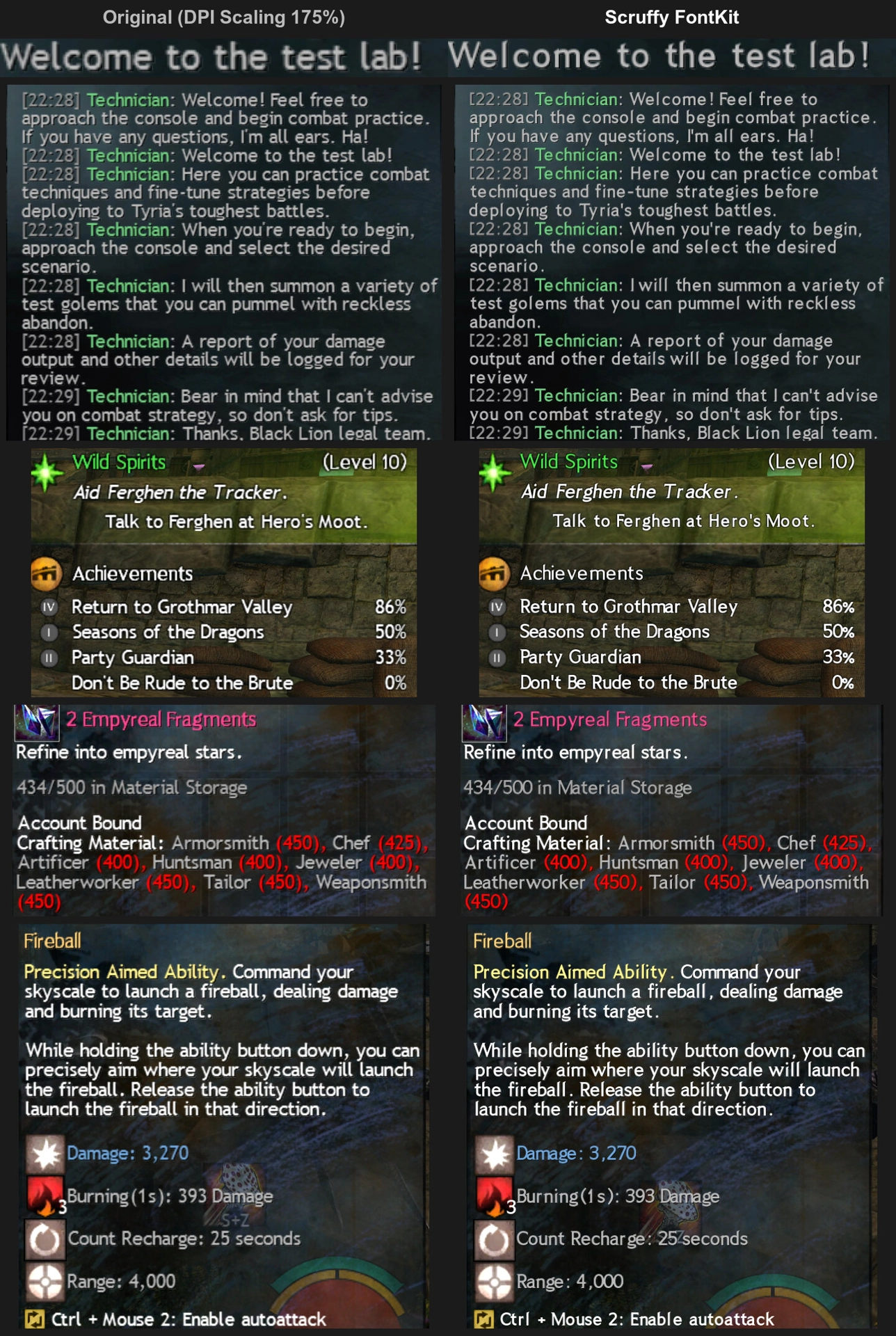
Text at 175% DPI Scaling: the original on the left, Scruffy FontKit on the right.
Features
- Sharp text with DPI Scaling. Text is drawn for your screen's scale instead of being stretched, and looks as close to the original font as it can.
- Your own font. Pick any font file and the game uses it for its text.
- Builds in the background from the addon's options, and switches without a restart.
Usage
- Open the addon's options: Nexus → Addons → Scruffy FontKit.
- Choose Game font, or My font and pick a font file (the file decides the weight, such as
-Regularor-Bold). - Click Build font pack. It takes a few minutes and is used as soon as it is built.
Font packs built in the same session stay in a list, so you can switch between them with Use. To compare with the original font, click Show original font. Build again after changing the Windows display scale, or when the addon asks you to.
Known issues
- Icons and other UI images stay blurry.
- With your own font, bold and serif text use that same font.
- A few accented letters are one size smaller.
- From a font collection (
.ttc), only the first font is used.
Reporting problems
Open an issue on GitHub with addons\Nexus\Nexus.log, and generate.log and font-report.tsv from addons\scruffy-fontkit\.
Do not share your font pack, because it contains data from the game files.