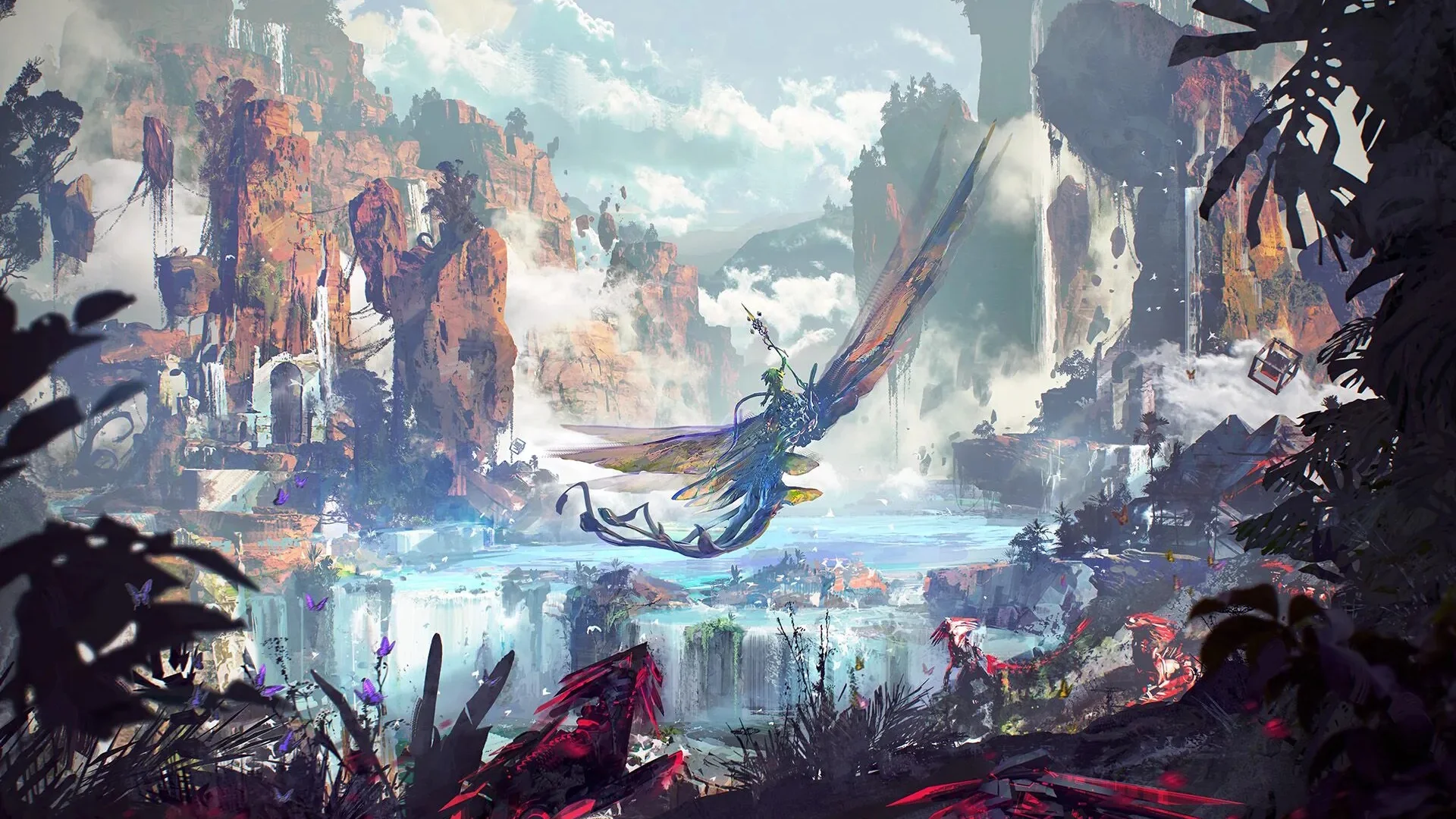

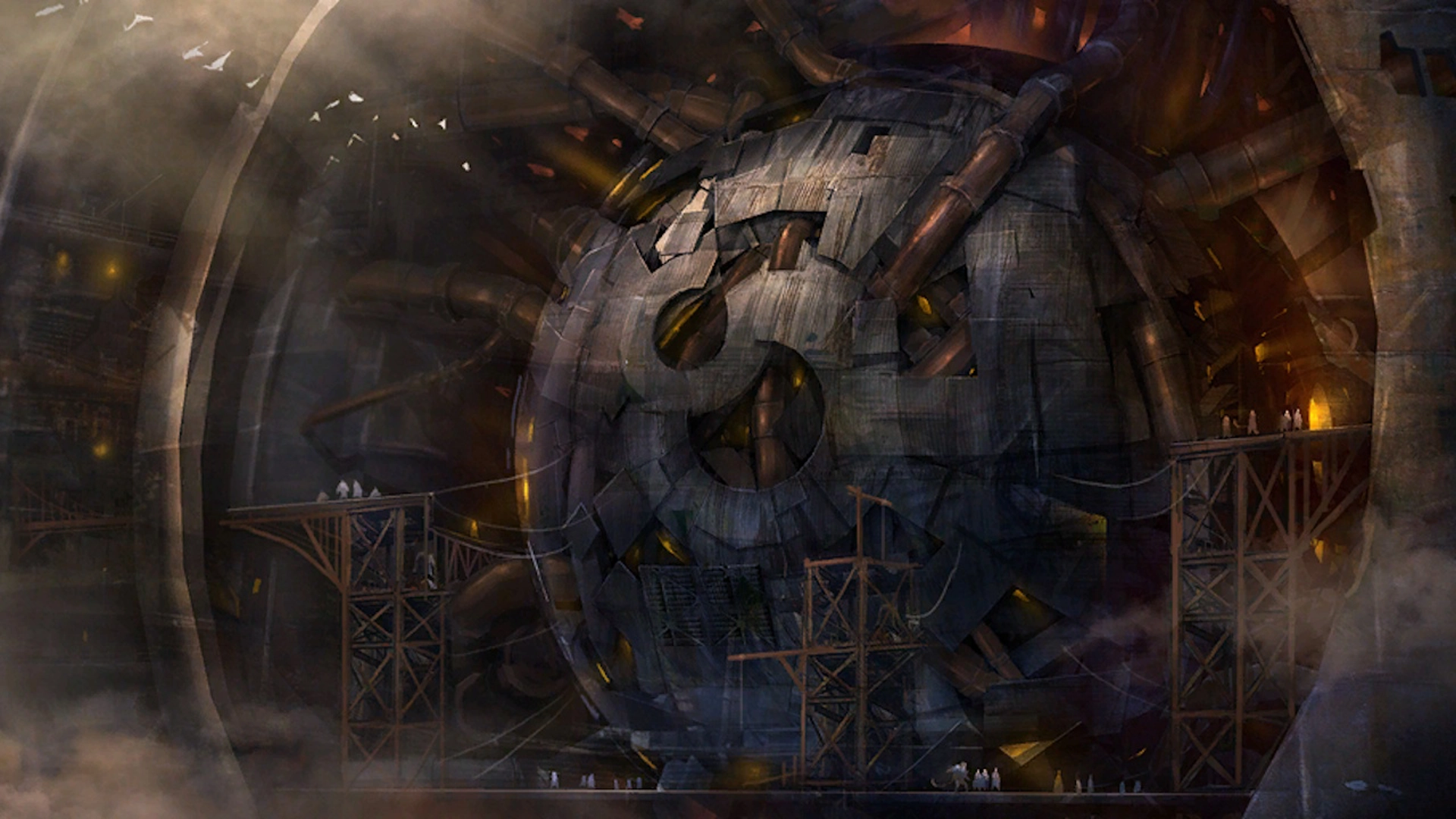
Regions of Tyria announces the area you just entered with a stylish on-screen title, just like classic RPGs do. Every time you cross into a new map or sector, its name fades in, in a font that matches your character's race.
Features
- Animated popup with the name of the zone you just entered.
- Small widget that shows your current location during play.
- Race-specific fonts, a generic font, or one race's font for everything; bring your own fonts too.
- Customise the text format with placeholders, plus colours and sizes per font.
- Map and sector names in English, German, Spanish or French.
- Map data kept up to date through the GW2 API.
Settings
Change the language from the Nexus quick settings menu. The options screen lets you turn the popup or its animation off, style the widget, and copy a setup from one font to the others. Reload fonts from the options after changing font sizes.
Installation
Install it with one click from the Nexus addon library in-game, or download the .dll and place it in your Guild Wars 2/addons folder.
Credits
An unofficial Nexus port of the Zone Display Blish HUD module.