
This addon accesses game memory. Learn More.
This addon includes AI-generated content and/or AI-assisted code. Learn More.
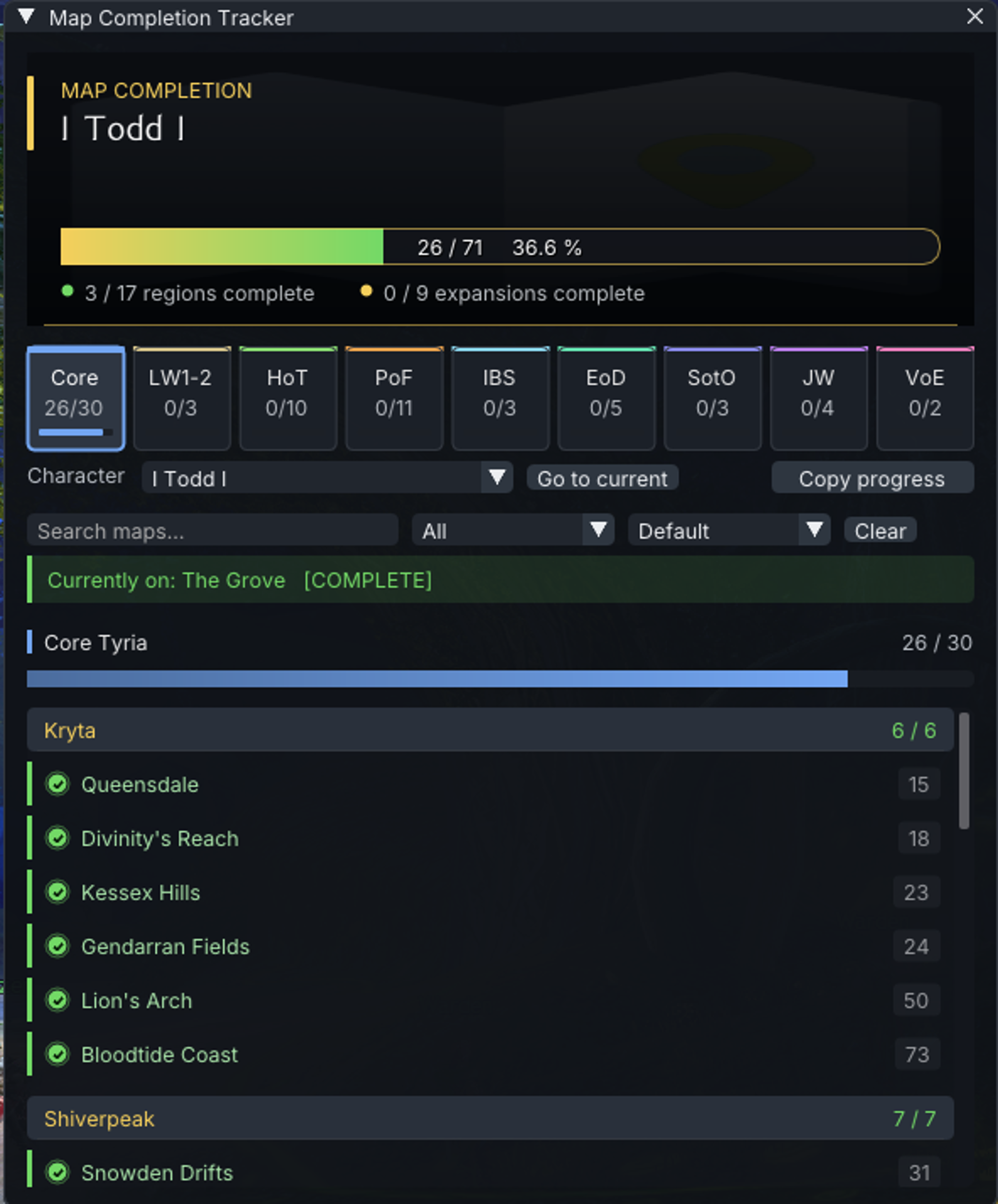
Map Completion
In-game Map Completion Tracker.
| Visibility | Public |
| Updated | 20 days ago |
| Created | 2 months ago |
| ID | 93 |
| Signature | 0xFFFFB291 |
Contributors
AI Notice
This addon includes AI-generated content and/or AI-assisted code.
AI may have been used during development for tasks such as code generation, suggestions, documentation, or content creation. While efforts are made to review and validate all AI-generated output, it may not always be fully accurate, optimal, or free of unintended behavior.
Users should be aware that:
- AI-generated components may contain errors or inconsistencies, or may be unstable;
- behavior may change as the addon evolves or is updated;
- the developer remains responsible for ensuring compliance with the game's Terms of Service.
A Nexus addon for Guild Wars 2 that provides a per-character map-completion checklist.
Important
This addon falls under the "memory reading" category: it reads map-completion status directly from the game's memory to auto-detect completion.
How it works
- Auto-detect — the current map is auto-marked complete for the active character the moment GW2 delivers the map-completion chest from the server. A toast appears bottom-right with a Revert button and self-dismisses after 5 seconds. Works regardless of character level.
- Manual tracker — a checklist of every explorable map, grouped by expansion and region, with per-character progress, search and filter, and an overall progress bar.
- What it does not do: it does not use API for map completion detection as there is no API for such. It can not detect what has been completed or will be completed at a time that the addon is/was not installed and active.
Characters are detected automatically via the standard Nexus MumbleLink identity event — log in to each character at least once and they're added to the dropdown.